
Emergency Evacuation Software for Schools and Businesses
RollCall is InVentry’s cloud-based evacuation management software. When the alarm sounds, it gives your fire marshals a live list of everyone signed in on site, so staff, pupils, visitors and contractors can be marked safe from any mobile device.

Evacuation Management Software Built on Your Live Sign-In Data
During an Evacuation, Efficiency & Speed are Imperative to Success
RollCall takes its list from your InVentry sign-in system. Anyone who has signed in through visitor management, staff sign-in or the contractor management system is already on it before the first person reaches the assembly point. Nobody has to print or update a paper register. Designated staff open the list, check people off as they arrive, and can see straight away who is still unaccounted for. For a business, that makes it an employee evacuation tracking system. For a school, it is a live register of pupils, staff and visitors.
With the ability to see who requires assistance or who’s yet to be accounted for, along with early-leaving pupils being automatically marked as accounted for, the Cloud-based RollCall app allows organisations to remain safe and efficient at all times!

InVentry RollCall Evacuations
In the event of a drill or fire evacuation, the InVentry RollCall app allows you to access a real-time copy of everyone who is onsite from any mobile device and is directly pulled from your main InVentry system.
The evacuation management software can be opened on as many devices as needed, at multiple emergency muster points, and the evacuation system will sync in real-time when connected to the internet. This enables leading staff members to have an accurate log of who is present and has been checked off, even displaying photos for ease of use.
You can also use RollCall to view an up-to-the-minute list of who is on-site directly from your InVentry evacuation management system, enabling you to manually check off staff, visitors, and students or contractors!
Fire Evacuation System App Features
Trigger Evacuations
Start an evacuation from your own device as soon as the alarm sounds, whether it’s a planned fire drill or a real incident.
Assistance Required
See at a glance who needs help leaving the building, so responders know who to look for first.
Mark People As Safe
One tap marks a person as safe. Their photo sits beside their name, which helps when you’re matching names to faces in a crowd.
Cloud-Based System
Live Data From Your InVentry System
The list is pulled directly from your main InVentry system and covers the staff, pupils, visitors and contractors who are signed in. Names don’t need typing in during an emergency.
Every Muster Point in Sync
Open RollCall on as many devices as you need, at as many muster points as you have. Changes sync in real time while devices are online, so each marshal can see who has already been checked off elsewhere.
Early Leavers Accounted For
Pupils recorded through pupil sign-out, and visitors or contractors who have already signed out, are marked as accounted for automatically. That way marshals aren’t searching for someone who left at lunchtime.
RollCall Scanners
Fire marshals can wear a RollCall Scanner. People tap their RFID badge on it and are marked safe in the app, which saves marshals scrolling for names on larger sites.


How Our Evacuation Management System Works
Our evacuation management system is designed to help organisations respond quickly and confidently in an emergency, ensuring everyone on site can be accounted for safely and efficiently. Here’s how it works from alert to all-clear.
1. Live On-Site Registers
The system continuously maintains a real-time record of everyone on site, including staff, visitors, pupils, and contractors. This ensures evacuation data is always accurate and up to date.
2. Instant Access in an Emergency
In the event of an evacuation, authorised staff open the live register in the RollCall app on their mobile device, so the information is in their hands before they reach the assembly point.
3. Rapid Roll Call Process
During evacuation, staff can quickly perform roll calls using mobile devices or printed evacuation lists, marking individuals as safe in real time and reducing manual admin during high-pressure situations.
4. Multiple Access Points
Evacuation data is available across multiple platforms, including touchscreen kiosks and mobile devices, ensuring flexibility regardless of location on site.
5. Live Status Updates
As individuals are accounted for, their status is updated instantly within the system, giving a clear overview of who is safe and who is still unaccounted for.
6. Safe Zone Management
Designated safe zones can be used to group and track evacuees, helping staff manage large numbers of people efficiently and maintain order during an emergency.
7. Reporting & Audit Trail
All evacuation activity is securely logged, so you can review response times and accuracy after every drill and use what you find to improve the next one. For full post-evacuation reporting, see our fire evacuation reports.
8. Faster, Safer Decision Making
By removing reliance on paper registers and manual processes, the system helps teams make faster, more informed decisions when every second counts.
An Evacuation Management System for Every Type of Site

Schools and Trusts
In schools, RollCall puts pupils, staff and visitors on one list. Pupils who were signed out early are already accounted for, and several members of staff can work through the list at once from different devices, which matters when you have hundreds of children on the field.

Offices and Corporate Sites
In office visitor management, the value is in the people nobody was expecting: the visitor who arrived at ten, the engineer booked in for the afternoon. If they signed in, they are on the evacuation list.
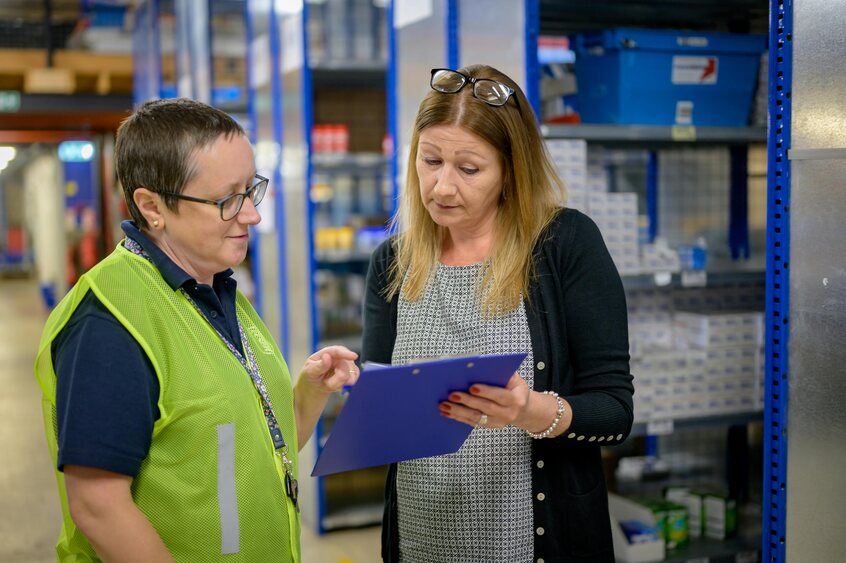
Manufacturing Sites and Warehouses
On manufacturing sites, large floors and several exits usually mean several assembly points. Marshals at each one work from the same synced list, and RollCall Scanners let people tap in with their badge instead of waiting to be found on a screen.

Hospitals and Care Homes
In hospitals and care homes, the Assistance Required view shows staff who needs help first. Staff, visitors and contractors who have signed in appear on the list with everyone else.

Venues and Stadiums
For venues, staff, contractors and visitors signed in through InVentry are on the list. That lets your team confirm those groups quickly while stewards manage the wider crowd.

Fire Marshals and Health & Safety Teams
Marshals get the live list, photos, the assistance flag and one-tap marking on their own device. Health and safety leads get a logged record of each evacuation to go through afterwards.
Emergency Evacuation Software FAQ’s
RollCall takes a live copy of everyone signed in to your InVentry system and puts it on your staff’s mobile devices. When an evacuation starts, marshals mark people as safe as they reach the assembly point. The list updates across every connected device, so anyone still unaccounted for stands out quickly.
No. RollCall is InVentry’s evacuation app. Evacuation used to sit in the InVentry Anywhere app and moved to RollCall last year. Everything else in Anywhere works as it always has.
Yes. Authorised staff can trigger an evacuation from their own mobile device, for a planned fire drill or a real alarm.
Each person is marked safe with a tap as they arrive. The list shows who is safe, who is still missing and who needs assistance, and it updates as marshals at other muster points check people off.
Anyone who signed out before the evacuation, such as a pupil collected early or a visitor who has gone home, is marked as accounted for automatically.
Yes. Open RollCall on as many devices as you need. Each one stays in sync while it’s connected to the internet. On bigger sites you can add RollCall Scanners, so people tap their RFID badge to be marked safe.
Yes. RollCall keeps an automatic record of each evacuation: everyone on site, everyone marked safe and when events happened. That gives you something concrete to review after every drill.
Testimonials
See some examples of what our customers have to say about InVentry. For even more, visit our testimonials page.
Before InVentry, we used to use radios to let the team know when their visitors had arrived but with the noise of machinery, if the person wasn’t at the desk, it was an impossible task to notify them of their arrival.

– Bericap
The data sync speed with the Rollcall App is a game changer – syncing takes around a minute, and the refresh from the InVentry console to the Rollcall app is seamless. It’s quick, reliable and incredibly efficient – exactly what we need during emergency situations.

We had an unexpected fire drill this morning, and when our usual system took too long to log in, we turned to the Rollcall App – and it worked brilliantly. The list of absent children was accurate, and all our visitors and staff were correctly accounted for. It handled the situation smoothly when we really needed it to.

The new Rollcall App is a huge improvement, much more straightforward than the old version. The filtering feature is especially useful for our site, as it allows us to assign specific admin staff to different groups. That means one person isn’t left trying to manage a list of 500+ children. It’s efficient, easy to use and makes our evacuation process far more manageable.

The Rollcall Evacuation App is a fantastic addition to the InVentry system. It gives us complete peace of mind during emergency situations – fast, accurate and incredibly easy to use. The integration is seamless and the speed of data sync means we’re always working with the latest information. It’s a must-have tool for any organisation that takes safety seriously!

Case Studies

Essendon Country Club
InVentry helps Essendon Country Club to identify regular contractors for Health & Safety purposes whilst improving their fire roll calls
Read More
LOAI – Anderton Centre
Find out how the Anderton Centre have utilised InVentry for staff and events and safeguarding the children that come on-site
Read More
Royal Holloway University
Find out how the Royal Holloway University manage the performance of their contractors using InVentry.
Read More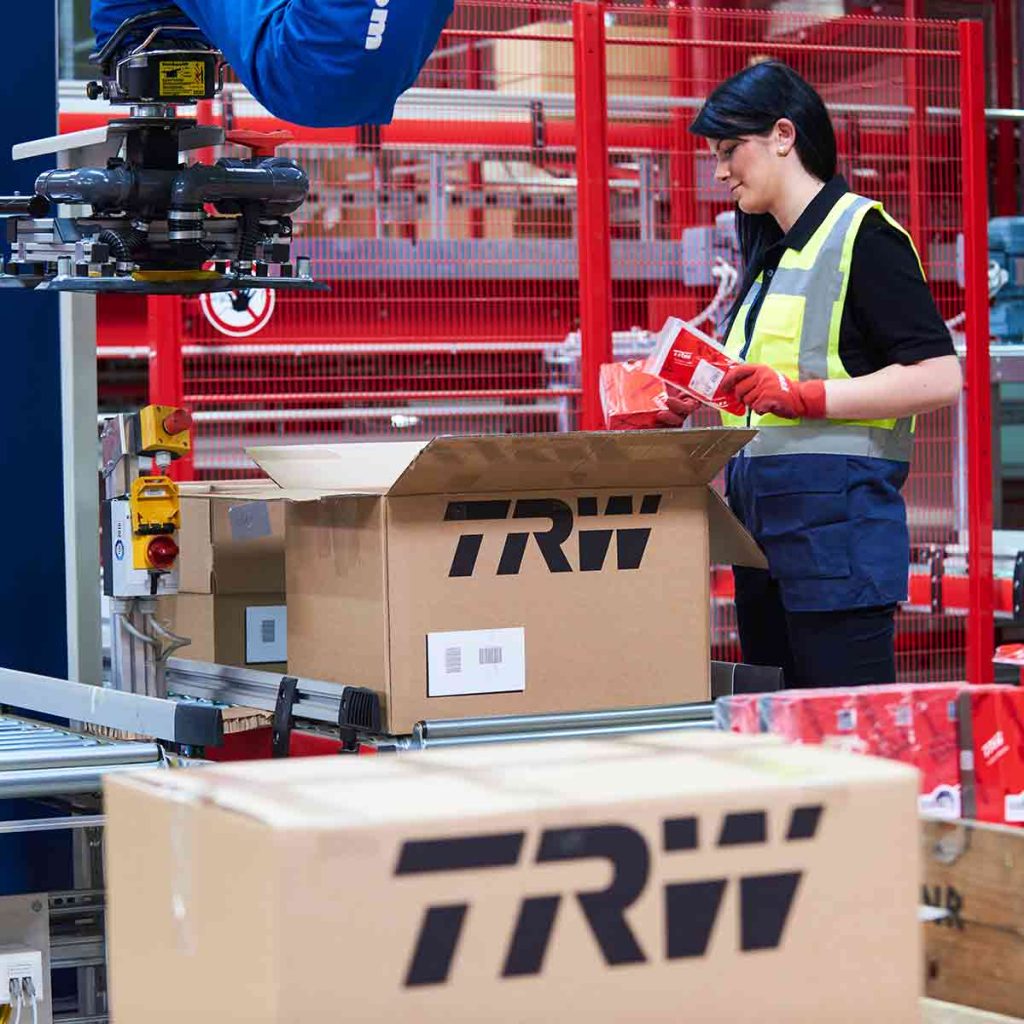
TRW Systems
Find out how TRW Systems are using InVentry as their virtual reception for visitors and staff creating the right first impression
Read More
White Woods Primary
See how InVentry assists schools across White Woods Primary Academy Trust with their sign in procedure and events management
Read More
Oakfield Community
InVentry helps Oakfield Community (Easton Maudit) with a professional and seamless sign in system
Read More
Discovery Bay International School
Discovery Bay International School See how Discovery Bay have improved their processes for sixth form students and pupils at different campus’
Read More
Bury Grammar School
InVentry helps Bury Grammar School with a full read and write back integration with iSAMs to monitor pupils on-site
Read More
BASF
Find out how the BASF have used InVentry to improve their visitor management and Health and Safety policies.
Read More
Grand Theatre Blackpool
See how InVentry helps the Grand Theatre Blackpool improve their site security whilst streamlining their sign in process.
Read More
Elmsleigh Infant & Junior School
Find out how Elmsleigh Infant & Nursery School used InVentry to improve their safeguarding and fire evacuation.
Read More
Ossett Academy
See how Ossett Academy have implemented InVentry across their trust after needing a stable signing in system across all 4 academies
Read More
Thompsons Commercials
InVentry provides Thompson Commercials with a sustainable and comprehensive system to streamline their site management.
Read More
Geotech
Find out how Geotech are using InVentry to manage their contractors and evacuations throughout their technology based organisation
Read More
Humbercare
See how we helped Humbercare streamline their staff and visitor management process whilst ensuring site security
Read More
Gartnavel Hospital
Find out Gartnavel Hospital have been using InVentry to manage contractors and track keys across wards and estates
Read More
Cams Lane Primary School
Find out how Cams Lane Primary School provided a consistent and accurate signing in experience for both staff and visitors.
Read More
Matrix Polymers
Find out how Matrix Polymers are using InVentry for visitors and staff sign in after replacing their paper based process
Read More
Parkstone Grammar School
See how InVentry helps Parkstone Grammar School with streamlining their sign in process and on-site safeguarding
Read More
A1 Bacon Co
Read More
Skinners’ Academy
InVentry improves staff management and time keeping at Skinners’ Academy whilst offering an accessible signing in system
Read More
Calderdale Council
Find out how Calderdale Council modernised their election process and remained GDPR compliant.
Read More
Halesbury School
InVentry provides Halesbury School with a sign in solution that seamlessly integrates with their Almas access control system
Read More
ASCL
InVentry Provides ASCL with a professional sign in system whilst streamlining their staff management and evacuation process
Read More
Woods Foodservice
Find out how Woods Foodservice utilised InVentry to obtain their Grade AA BRC accreditation
Read More
Oryx International School
Oryx International School, based in the vibrant capital of Qatar, is a premium British school exclusively for the children of Qatar Airways employees.
Read More
Portsmouth Football Club
Find out how Portsmouth Football Club have utilised InVentry and our custom questions module
Read More
Bericap UK
InVentry enables Bericap UK to enhance on-site efficiency and professionalism, whilst streamlining their contractor management
Read More
Pitmaston Primary School
InVentry Helps Pitmaston Primary School improve their record keeping whilst streamlining their evacuation process
Read MoreContact Us
Want to know more about our evacuation management solutions?
Want to know more about RollCall? Book a free emergency evacuation software demo or request a brochure, and we’ll walk you through how it would work at your school or business.
- 0113 322 9253
- info@inventry.co.uk
-
InVentry Ltd
Visitor House,
Gelderd Road,
Gildersome,
Leeds, LS27 7JN
Looking for support? Please use our support form