
Customisable Visitor Management Kiosks
Utilise a visitor management kiosk to streamline your processes.
InVentry’s visitor sign-in kiosks give your reception a self-service check-in point for visitors, contractors and staff. People sign in on the touchscreen, the kiosk takes their photo and a badge prints, and the record goes straight into your system. Each kiosk is set up for your site, with your branding, your sign-in questions and your policies on screen.

Streamline Your Visitor Entry with Our Bespoke Sign In Kiosks…
Managing guest arrivals manually is not only time-consuming, but it also introduces the risk of human error – something no business can afford in today’s compliance-driven environment. With InVentry’s visitor sign in kiosks, you can automate and modernise the way you welcome guests, contractors, and visitors to your site. These self-service reception kiosks remove the need for paper logbooks or manual oversight, ensuring that all information is captured accurately and efficiently.

That Has Been Designed for Compliance, Efficiency, and a Seamless Experience…
Our visitor management system kiosks are built to support your organisation’s compliance with GDPR and health and safety protocols. Whether you need to track contractor sign-ins, generate real-time reports, or ensure pre-authorised visitors sign the correct documentation, our system does the heavy lifting. Every visitor sign in kiosk is fully customisable to your site’s needs – giving you the flexibility to reflect your brand while capturing the information that matters most.

And Can Be Customised to Match Your Business Branding and Needs!
InVentry offers bespoke touch screen kiosks designed to complement your reception area and business environment. Each kiosk is set up with your company’s branding and connects to your visitor management system and other systems to support streamlined site access. From schools and NHS sites to corporate offices and manufacturing facilities, our solutions create a professional first impression while improving safeguarding and operational efficiency.

Temporary RFID Access Passes
InVentry’s RFID Label Rolls provide a simple, secure way to issue temporary access badges for visitors, contractors, or short-term users. Each label contains an encrypted RFID chip, allowing seamless integration with existing access control systems to grant, monitor, and automatically revoke access. Designed for on-demand printing, these rolls streamline reception processes, reduce admin time, and enhance security by preventing badge duplication. Durable yet temporary, they offer a professional visitor experience while supporting audit trails, compliance, and scalability across single-site or multi-site environments, making them ideal for offices, schools, industrial sites, and event venues.
How Our Visitor Sign-In Kiosks Work
Our touchscreen kiosks are designed to provide a fast, intuitive, and secure way for staff, visitors, pupils, and contractors to sign in and out of your site. Here’s how they work in everyday use.
1. Kiosk Setup & Configuration
Each kiosk is configured to suit your organisation’s needs, whether for visitor management, staff sign in, contractor access, or pupil registration. Branding, workflows, and security settings can all be tailored for a consistent on-site experience.
2. Intuitive Touchscreen Interface
A simple, guided touchscreen makes the visitor check-in kiosk quick to use, even for someone signing in for the first time. Clear prompts keep queues short at reception.
3. Multiple Sign-In Methods
The kiosks support a range of sign-in options including QR code scanning, RFID tap-in, PIN entry, or manual search. This flexibility ensures fast access for all user types and environments.
4. Instant Data Capture & Processing
As soon as someone signs in, their details are captured and processed securely, so the kiosk works as your visitor registration point as well as your check-in. Your on-site list is always current.
5. Badge Printing & Identification
Where required, kiosks can print personalised ID badges on the spot, helping to clearly identify users and enhance on-site security.
6. Compliance & Policy Acknowledgement
The kiosk can display key policies, safeguarding information, and health and safety requirements, ensuring users acknowledge important site rules during the sign-in process.
7. Live System Integration
All kiosk activity is fully integrated with InVentry’s wider platform, ensuring real-time updates across staff, visitor, contractor, and pupil management systems for complete site visibility.
8. Secure & Reliable Hardware
Built for high-traffic environments, the kiosks are robust, reliable, and designed for continuous daily use in schools, offices, and industrial sites.

30 Day Money Back Guarantee!
Just like the 10,000 organisations currently using InVentry, we know you’ll love the system as much as we do! We’re extremely passionate about the technology we create, and we want this to reflect in the software we provide you, but we understand that you may have a change of heart. Which is why we’re proud to introduce our new 30-day money-back guarantee*.
Our confidence in the InVentry sign-in system, along with our commitment to our customers, means that if our system doesn’t meet your expectations, you could be eligible for a full refund. Check out our T&Cs to see our promise, if you qualify and how to get in touch to enquire about a refund.
Want To Know More About Our Sign-In Kiosks?
Speak to us today to find out more about how our Sign-In Kiosks can benefit your business.
Features of Our Self Service Reception Kiosks
These four features do the work at reception, whether you’re welcoming guests and contractors or managing staff sign-in.
Touchscreen Display
At the heart of our visitor management kiosk is an intuitive and fully responsive touchscreen interface. Built for durability and ease-of-use, the screen guides visitors, contractors, and staff through a streamlined check-in process with clear prompts and interactive elements. The touchscreen improves the visitor experience and reduces the need for receptionist support, which suits busy or unstaffed reception areas.
Quickscan Compatible
Staff use the kiosk too. Staff can quickly and securely sign in using personalised ID badges, with all activity automatically logged. Paired with our Quickscan Touch unit, employees can also record reasons for signing out, creating an efficient and fully auditable digital trail of attendance and movement across your site.
Badge Printer
An integrated printer for printing visitor badges or passes upon successful sign in. This provides visitors with a physical indication of their authorised access to the premises.
Dual Camera
The integrated dual camera system includes an angled front camera that takes each visitor’s photo during check-in. It also makes the screen easier and smoother to use in a busy reception.
What’s Inside Our Self-Service Reception Kiosk
The current kiosk hardware is InVentry’s Gen 6 screen. Below is what comes with it, and what happens after you order.
The Screen
A 20-inch touchscreen with an ultra-thin 10mm display, running Windows 11. RFID and QR code scanners are built in, so pre-booked visitors and staff with an ID card can sign in without any extra hardware. Read more about the Gen 6 screens.
Badge Printing
Each visitor gets a colour ID badge as they sign in, printed with their name, photo, company and host.
Installation
An InVentry engineer fits the kiosk on a desk or wall bracket, connects it, sets up the software and trains your team on site.
Warranty and Support
A 3-year warranty covers the hardware and software. If the main screen develops a fault, we repair or replace it on site, and scanners and printers come back to us free of charge. Business packages include screen insurance as standard (see pricing), and the education subscription includes accidental damage protection.
Users of Our Visitor Management System Kiosk
The kiosk is used by more teams than reception.

Receptionist / Front of House Staff
The kiosk handles routine sign-ins, so reception staff can spend their time with guests. Every visitor is logged accurately without anyone typing their details in.

Health & Safety Representitives
Every visitor signs in and out at the kiosk, which gives you an accurate list for evacuation roll calls. Safety briefings and site rules can be shown during check-in.

Facilities & Office Managers
Office managers use the kiosk to manage visitor flow, reduce queues at reception and make sure clients, suppliers and guests all sign in correctly.

HR Manager
HR teams rely on accurate visitor logs for interviews and temporary contractors. The kiosk records each visit, supports GDPR-compliant data capture and shows who is in the building at any time.

Security Officers
Security personnel use the visitor management system kiosk to verify who is entering the premises, reducing unauthorised access. Real-time alerts and visitor photos collected at the sign in kiosk improve overall building security.

Event Coordinators
For in-house events, guests can be pre-registered in bulk and check in at the kiosk when they arrive. It makes a professional first impression and keeps the day simple to run. See our event sign-in system.
Compliance Officers
In regulated industries, Compliance Officers must maintain thorough visitor records. The kiosk creates reliable audit trails, stores visit histories securely, and supports data protection and access policies.
Business Settings that a Self Service Reception Kiosk is Perfect For
Security-conscious businesses and organisations across many sectors are turning to digital check-in solutions like the visitor sign in kiosk for streamlining front desk operations and improving visitor experiences. Below, we explore the industries and environments that benefit most from implementing a visitor management system kiosk, and how this technology helps support safety, efficiency, and compliance.

Education Settings
Educational settings can maintain strict safeguarding measures. These self-service reception kiosks can be customised and streamline check-ins for visitors, contractors, and parents, providing ID badges, DBS checks, and accurate sign-out times, which is essential for student safety.

Healthcare Settings
Healthcare facilities use visitor management system kiosks to monitor access and prevent unauthorised entry in high-traffic areas like hospitals. Healthcare providers can also manage footfall and reduce admin with self-service sign-in.

Hospitality Settings
Hotels and stadiums use kiosks to sign in visitors, contractors and event guests and to issue their passes. It helps keep queues at the front desk short on busy days.

Corporate Offices & Headquarters
In busy corporate environments, a self service reception kiosk modernises reception areas and offers efficient visitor logging without a staffed front desk. These self-service kiosks provide a professional first impression while ensuring GDPR-compliant data capture and real-time visitor logs.

Manufacturing & Warehousing
Factories and distribution centres use visitor sign in kiosks to manage contractors, delivery drivers, and site visitors. With features like health and safety acknowledgements, access instructions, and badge printing, the kiosk improves site security in sensitive operational zones.

Government & Public Sector Buildings
Councils, courts, and other public buildings use visitor management kiosks to reduce wait times and maintain an efficient record of all visitors. These kiosks provide transparency, security, and accountability – key in government settings where public interaction is high and privacy matters.

What are the Benefits of Installing a Touchscreen Kiosk?
A visitor sign in kiosk transforms the traditional check-in process into a streamlined, secure, and professional experience. Whether you’re welcoming guests, contractors, or staff, a self service reception kiosk offers a wide range of benefits that support operational efficiency and compliance – all while improving the overall visitor journey.
A kiosk speeds up check-in and cuts waiting times for visitors and staff, so people move through reception more smoothly. In busy environments such as schools, corporate offices, or manufacturing facilities, the efficiency of a visitor management system kiosk ensures that time is saved on both sides – visitors aren’t left waiting, and your team isn’t pulled away from core responsibilities.
Interactive touchscreen kiosk systems are more accurate than manual data entry. By minimising errors, these systems maintain precise records of visitor arrivals and departures, enhancing overall record-keeping and organisational efficiency. The level of precision from a touchscreen visitor kiosk not only improves record-keeping but also contributes to better internal reporting, data insights, and audit trails. With accurate data available instantly, you can make more informed decisions about visitor flows and site management.
By asking visitors for identification and relevant information before they gain access, the kiosk helps you control who comes on to your premises and reduce security risks.
The implementation of a sign in kiosk can assist organisations in complying with regulatory requirements. By maintaining detailed visitor logs and records, these systems facilitate regulatory compliance and auditing processes. Quickly run real-time reports and monitor on-site behaviour to ensure everyone is safe and their presence recorded. This is vital in the event of an emergency or evacuation.
A modern visitor management kiosk shows visitors that your organisation is professional and values their time. Our kiosks can be fully customised to match your branding and the way your reception runs.
A smart visitor management kiosk doesn’t just collect information – it actively improves communication. Once a visitor completes their check-in, the kiosk can automatically notify the relevant team member via email, SMS, or in-app alert. This ensures guests aren’t left waiting in the lobby and helps your staff manage their time effectively. It also removes the need for receptionists to manually track down hosts, reducing interruptions and enhancing productivity across departments.
Visitor Management Kiosk FAQS
A sign in kiosk is a self-service, touchscreen terminal designed to streamline the check-in process for visitors, staff, and contractors. Acting as a digital reception point, the kiosk allows users to sign in electronically, replacing manual logbooks with a faster, more secure solution. InVentry’s visitor management kiosk offers a modern, professional front-of-house experience.
Upon arrival, users interact with the touch screen kiosk interface to input their details, answer relevant questions, and sign in. The system may then notify the host, take a photo, capture a signature, or print a custom ID badge. As a self service reception kiosk, it provides an efficient, unattended way to manage all entries to your premises.
A typical visitor management system kiosk will collect the visitor’s full name, contact details, organisation, reason for visit, and time of arrival. It may also capture a photo and digital signature, with options to answer custom health, safety, or compliance questionnaires tailored to your site’s needs.
Yes. Our kiosks are designed to help you meet your obligations under UK GDPR and the Data Protection Act 2018. InVentry is ISO 27001 accredited, and visitor data is protected with encryption, secure storage and restricted access.
All data collected via the visitor management kiosk is stored securely in our encrypted, cloud-based system. This allows your organisation to access real-time visitor logs, run reports, and manage entries remotely – all while keeping records safe and compliant.
InVentry’s kiosks include contactless sign-in, custom badge printing, pre-registration of guests, data privacy measures, tracking and tracing reporting, contractor management, and questionnaires.
Yes, we offer bespoke touch screen kiosks that can be fully customised to align with your branding and the visual identity of your organisation, including customised user interfaces and badge designs. Speak to a member of our team today to discuss your branding requirements.
Yes, our self service reception kiosks are built with robust security protocols. They include secure data encryption, access restrictions, automatic log-off, and full audit trails. We also carry out regular system updates to ensure your kiosk remains secure and up to date with the latest compliance standards.
With InVentry, they’re the same kiosk. Visitors who were pre-registered scan their QR code to check in. Walk-in visitors register by entering their details on the screen. Either way, the visit is recorded in the same system.
Our engineers do it on site. They mount the kiosk on a desk or wall bracket, run up to 3 metres of USB, power and network cable, configure the software and train your staff.
Every kiosk comes with a 3-year warranty on hardware and software. Screen faults are fixed on site, and scanners or printers are sent back to us and repaired or replaced at no cost. Unlimited phone and remote support is part of your maintenance agreement.
Read Our Latest Blogs

How Patient Registration Kiosks Are Transforming Healthcare Check-Ins
In recent years, the healthcare sector has been steadily embracing digital transformation. One of the most significant innovations reshaping how patients engage with healthcare services is the introduction…
Read More

Kiosk Based Visitor Management Systems: How They Support GDPR & Compliance
Managing visitor data responsibly is a legal requirement for organisations across the UK. With GDPR firmly established as the country’s data protection framework, collecting and storing personal information…
Read More
Digital Receptionist Kiosk: The Perfect Solution for Hybrid Workplaces
The hybrid workplace model has rapidly gained popularity, driven by the need for flexibility, employee satisfaction, and operational efficiency. As companies embrace this shift, the challenge of managing…
Read More
Visitor Management Kiosks: Benefits for Modern Businesses
Since the pandemic, ne area that has seen significant change for businesses is visitor management and the way they sign in and out visitors. Gone are the days…
Read More

Case Studies

Cams Lane Primary School
Find out how Cams Lane Primary School provided a consistent and accurate signing in experience for both staff and visitors.
Read More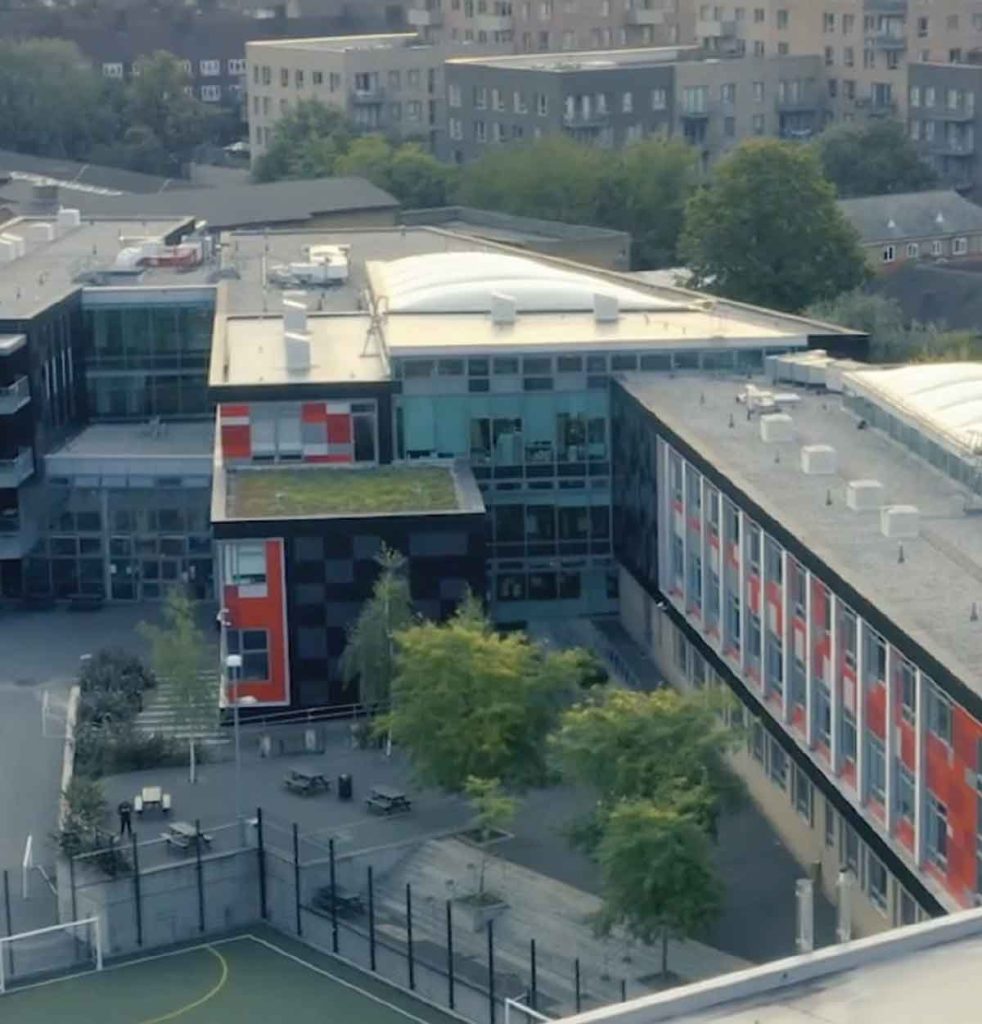
Skinners’ Academy
InVentry improves staff management and time keeping at Skinners’ Academy whilst offering an accessible signing in system
Read More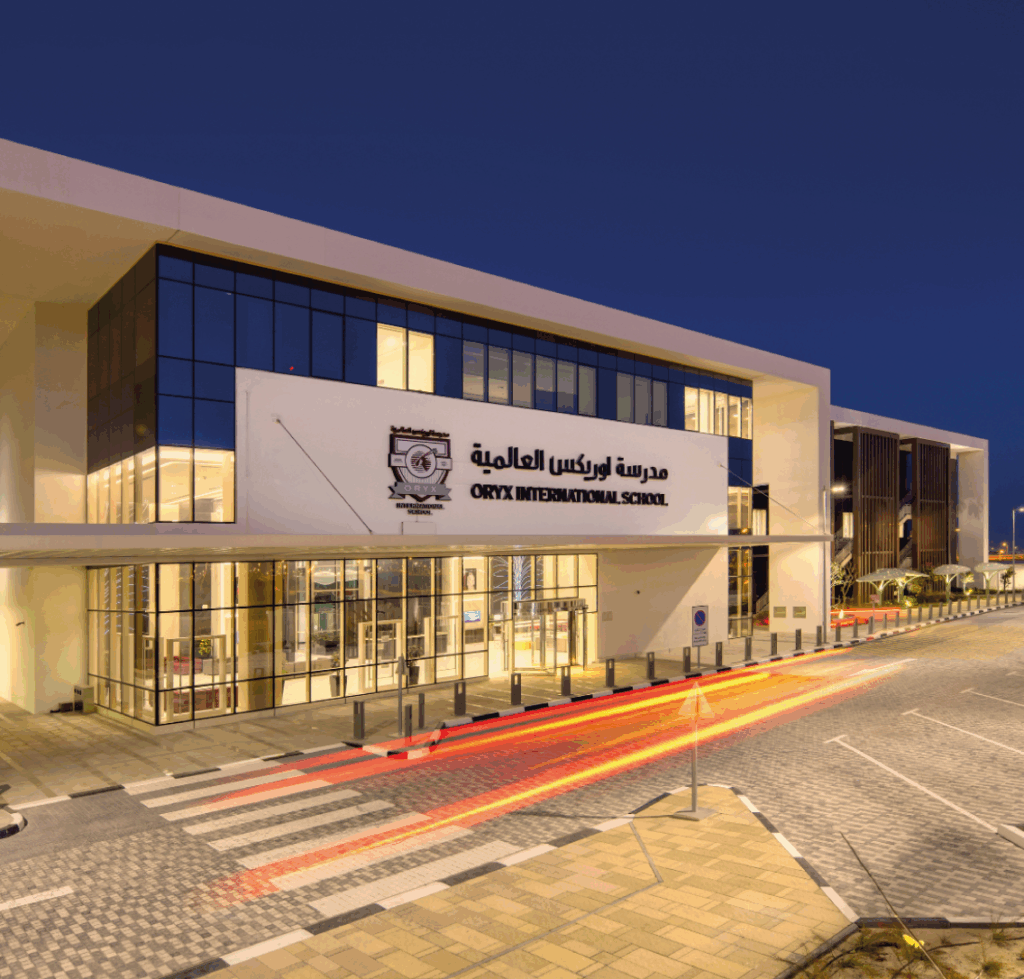
Oryx International School
Oryx International School, based in the vibrant capital of Qatar, is a premium British school exclusively for the children of Qatar Airways employees.
Read More
BASF
Find out how the BASF have used InVentry to improve their visitor management and Health and Safety policies.
Read More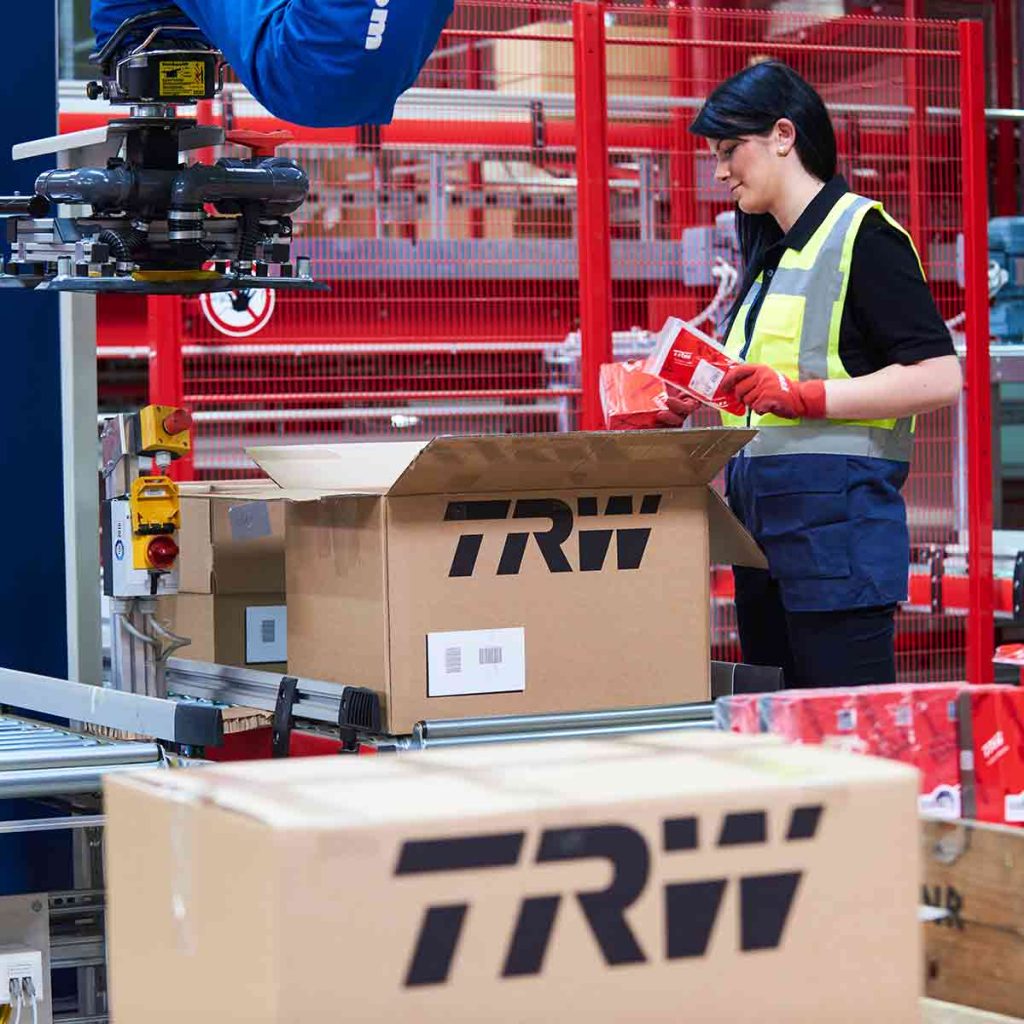
TRW Systems
Find out how TRW Systems are using InVentry as their virtual reception for visitors and staff creating the right first impression
Read More
Calderdale Council
Find out how Calderdale Council modernised their election process and remained GDPR compliant.
Read More
Elmsleigh Infant & Junior School
Find out how Elmsleigh Infant & Nursery School used InVentry to improve their safeguarding and fire evacuation.
Read More
Essendon Country Club
InVentry helps Essendon Country Club to identify regular contractors for Health & Safety purposes whilst improving their fire roll calls
Read More
Thompsons Commercials
InVentry provides Thompson Commercials with a sustainable and comprehensive system to streamline their site management.
Read More
Gartnavel Hospital
Find out Gartnavel Hospital have been using InVentry to manage contractors and track keys across wards and estates
Read More
Geotech
Find out how Geotech are using InVentry to manage their contractors and evacuations throughout their technology based organisation
Read More
Pitmaston Primary School
InVentry Helps Pitmaston Primary School improve their record keeping whilst streamlining their evacuation process
Read More
Bury Grammar School
InVentry helps Bury Grammar School with a full read and write back integration with iSAMs to monitor pupils on-site
Read More
Humbercare
See how we helped Humbercare streamline their staff and visitor management process whilst ensuring site security
Read More
Bericap UK
InVentry enables Bericap UK to enhance on-site efficiency and professionalism, whilst streamlining their contractor management
Read More
Portsmouth Football Club
Find out how Portsmouth Football Club have utilised InVentry and our custom questions module
Read More
Oakfield Community
InVentry helps Oakfield Community (Easton Maudit) with a professional and seamless sign in system
Read More
Halesbury School
InVentry provides Halesbury School with a sign in solution that seamlessly integrates with their Almas access control system
Read More
Grand Theatre Blackpool
See how InVentry helps the Grand Theatre Blackpool improve their site security whilst streamlining their sign in process.
Read More
A1 Bacon Co
Read More
Parkstone Grammar School
See how InVentry helps Parkstone Grammar School with streamlining their sign in process and on-site safeguarding
Read More
Royal Holloway University
Find out how the Royal Holloway University manage the performance of their contractors using InVentry.
Read More
LOAI – Anderton Centre
Find out how the Anderton Centre have utilised InVentry for staff and events and safeguarding the children that come on-site
Read More
Matrix Polymers
Find out how Matrix Polymers are using InVentry for visitors and staff sign in after replacing their paper based process
Read More
Discovery Bay International School
Discovery Bay International School See how Discovery Bay have improved their processes for sixth form students and pupils at different campus’
Read More
Ossett Academy
See how Ossett Academy have implemented InVentry across their trust after needing a stable signing in system across all 4 academies
Read More
ASCL
InVentry Provides ASCL with a professional sign in system whilst streamlining their staff management and evacuation process
Read More
Woods Foodservice
Find out how Woods Foodservice utilised InVentry to obtain their Grade AA BRC accreditation
Read More
White Woods Primary
See how InVentry assists schools across White Woods Primary Academy Trust with their sign in procedure and events management
Read MoreTestimonials
See some examples of what our customers have to say about InVentry. For even more, visit our testimonials page.
Our premises have become safer and more secure as a result of the InVentry and Paxton integration, I can’t recommend the system enough.

Having a system in place that communicates with our Paxton system as well as enabling staff and visitors to sign in by simply tapping is priceless.

InVentry has revolutionised the way we run our Stage Door operations and helped us to be more professional to our guests, staff and visitors.

Contact Us
Want to know more about our customisable visitor sign in kiosks?
InVentry’s visitor sign-in kiosks help you create a streamlined, professional entrance. Request a brochure, or book your free demo today and find out how you can benefit from installing one of our self service reception kiosks.
- 0113 322 9253
- info@inventry.co.uk
-
InVentry Ltd
Visitor House,
Gelderd Road,
Gildersome,
Leeds, LS27 7JN
Looking for support? Please use our support form