
Hot Desk Booking System For Hybrid and Flexible Working
InVentry’s hot desk booking system lets staff book a desk for the days they’re in the office.
Developed in the UK, it lets them secure any free desk with the features they need, on the days they need it, at the touch of a button. Desk Bookings is part of Space Bookings, our room and space booking platform.
Simplify Your Booking Processes With Our Hot Desk Booking Software…
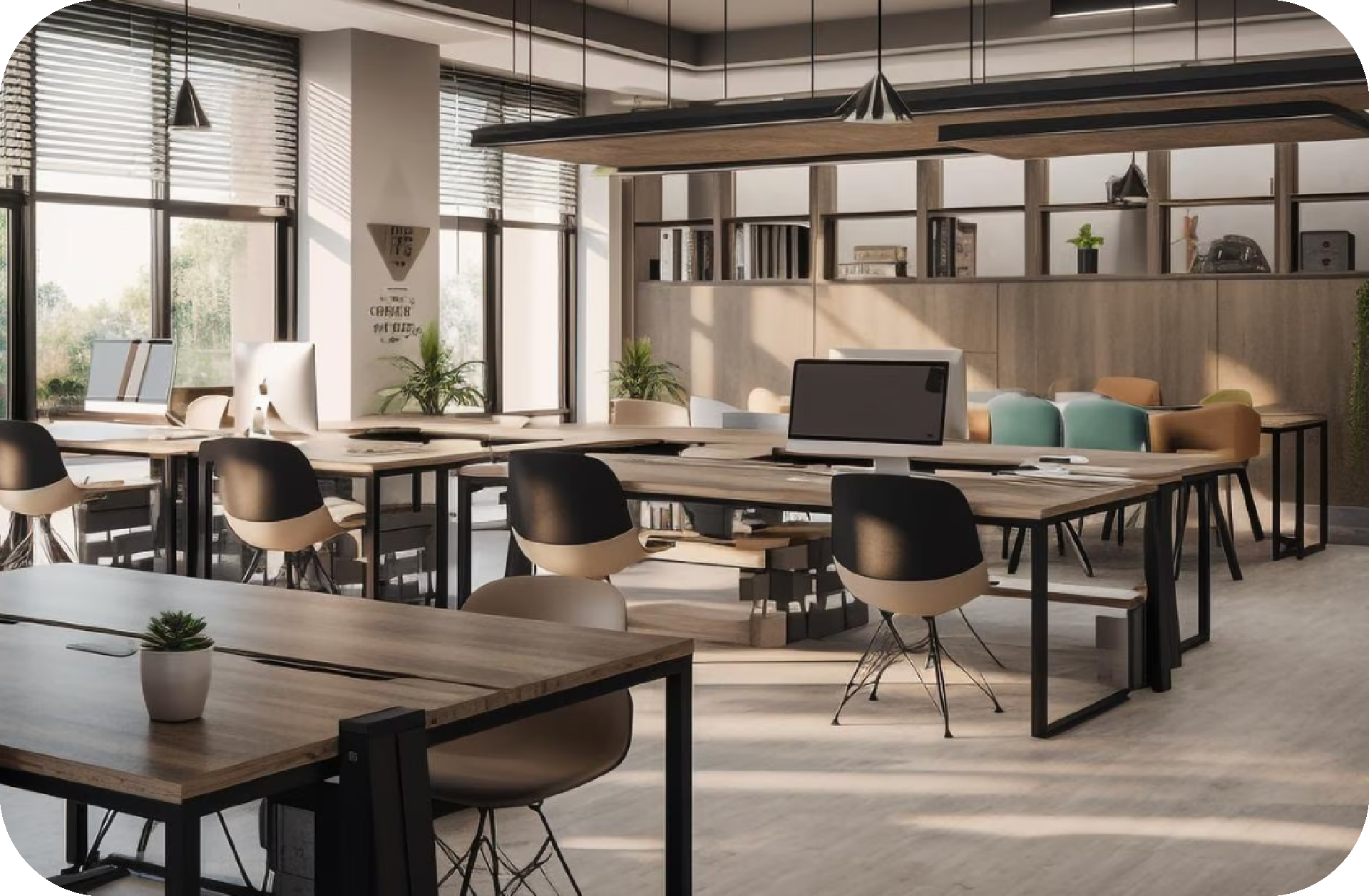
Managing flexible working doesn’t need to be complicated. With InVentry’s hot desk booking system, staff can see which desks are free and book the one they need, where and when they want it, with extras such as dual screens or a printer.
The system lets staff book from anywhere and plan their office days in advance, so they get the desk that suits them. Every desk stays organised, nobody can double book, and last-minute changes update straight away.
That Can Integrate With Your Current Systems…
The booking system integrates with your existing workplace tools, adding desk bookings to staff calendars. Staff can book, modify or cancel a desk reservation in a few clicks, whether it’s for next month or the next hour. The cloud-based platform means bookings can be checked from any location, and managers can see who is in the office and where, and adjust bookings when needed.
And Allow Staff to Make the Most of Their Time When in the Office.
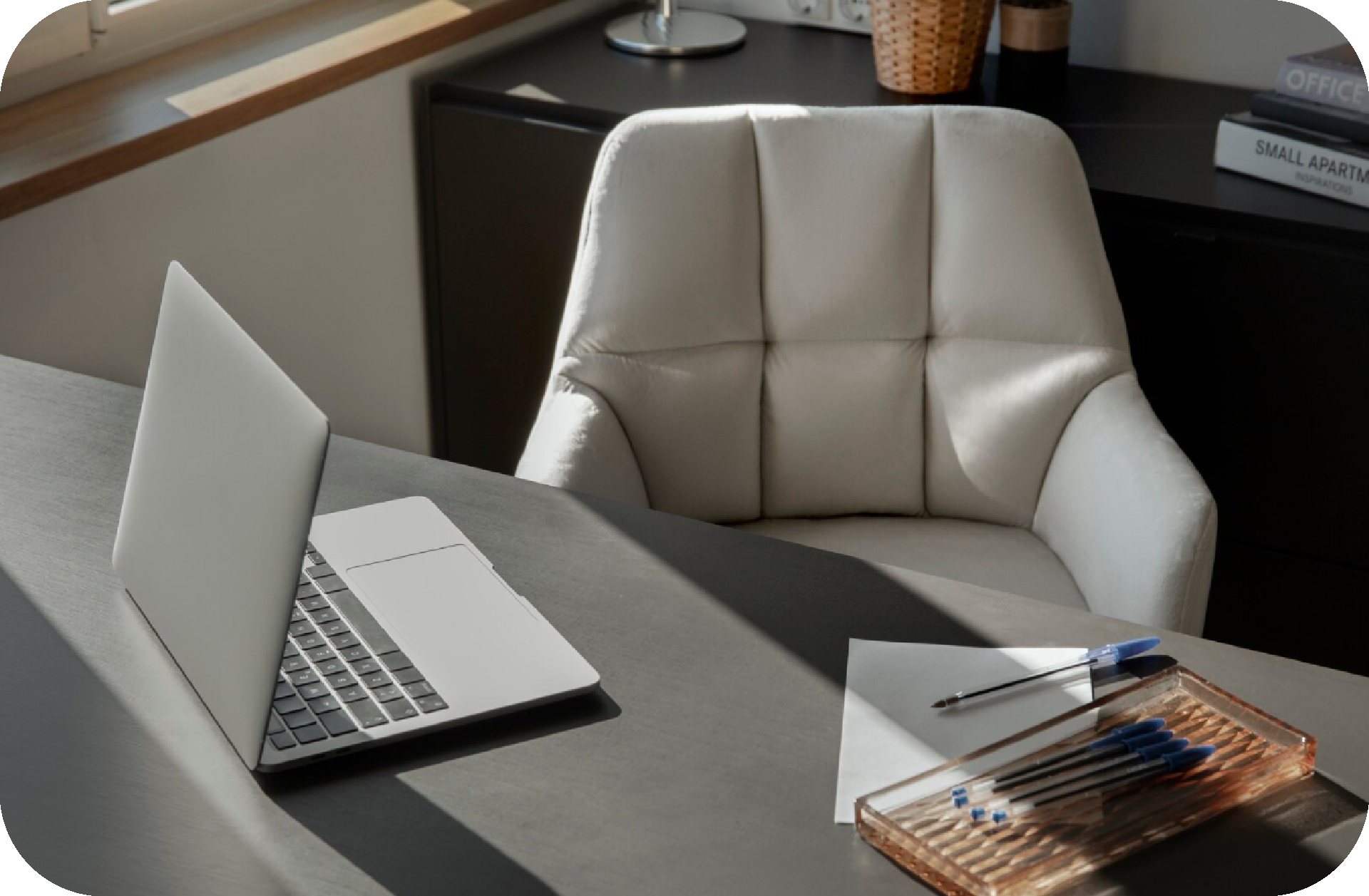
Built in the UK for modern businesses, our hot desk booking software makes the most of the desks you have, so staff spend their office time working rather than looking for a space. Settings for equipment, location and time frames can be tailored to your organisation and staff, keeping the office organised, accessible and running smoothly.
Want to Know More About Desk Bookings?
Speak to us today to find out how our hot desk booking system can benefit your business.
Trusted By More Than 10,000 Organisations
Designed in the UK with flexible working in mind, our hot desk booking system works for organisations of every size. It prevents double bookings and saves staff time looking for a suitable space. Because it shows what’s available, where and when, along with each desk’s features, staff get exactly what they need from their booked space.
InVentry’s customers include the Home Office, National Grid, EDF and Legal & General, and we’re ISO 9001 and ISO 27001 accredited.
How Our Hot Desk Booking System Works
1. Set Up Your Desks
Add each desk with its location and the equipment it has, such as dual screens, a printer or a webcam. Then set how long people can book it for and who is allowed to book.
2. Staff Book a Desk
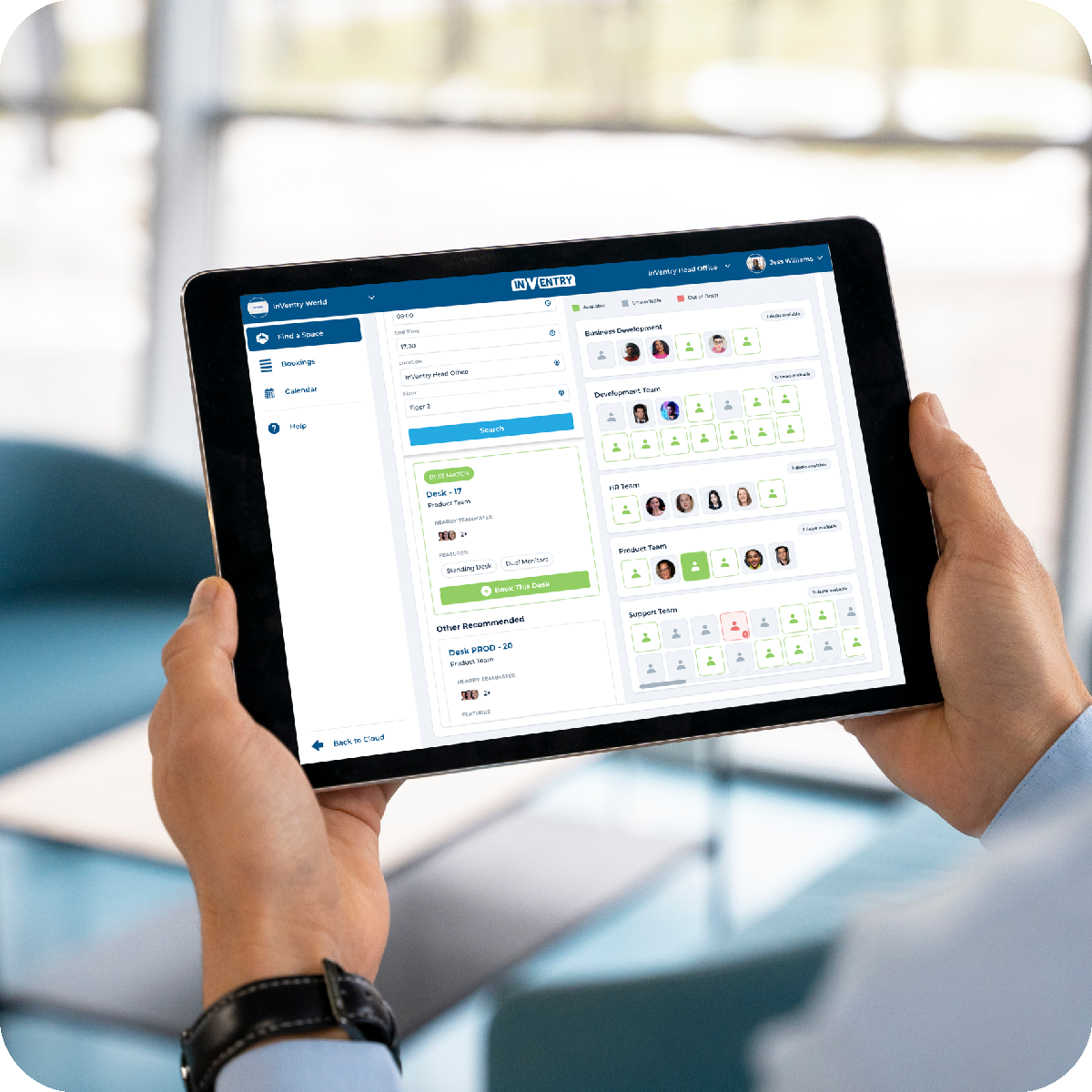
Staff choose a date, start and end time, location and floor, then book a free desk in advance or at short notice. Desks are grouped into zones, such as Finance or Marketing, and staff can book for themselves or for a colleague.
3. Bookings Go into Calendars
Desk reservations appear in Google and Outlook calendars, and any change or cancellation updates across calendars in real time.
4. Arrive and Get to Work
Staff go straight to the desk they’ve booked, and managers can see who is in the office and where they’re sitting. For a full record of everyone on site, pair it with our staff sign in and out system.
The Many Features of Our Hot Desk Booking Software
Ideal for offices with flexible working, our hot desking software gives staff a quick way to find the right desk, in advance or at the last minute, and gives you the tools to manage desk space across the office.
Effortless Integration for Simplified Scheduling
Our hot desk booking system integrates with Google Workspace and Outlook, so desk reservations appear in your calendar automatically. Staff can plan their office days around meetings without scheduling conflicts.
Customisable to Fit Your Needs
Set up desk booking to suit your requirements. From dual screens and printers to desk location and booking durations, the system can be configured so each desk is set up for its intended purpose and staff find the right one quickly.
Cloud-Based Hot Desk Management Software
Desk schedules are stored securely in the cloud and can be accessed at any time. Booking information stays visible even during network disruptions, and real-time updates keep availability accurate for everyone.
Instant Visibility with Real-Time Updates
See the day’s bookings at a glance, with available and booked desks clearly shown, so staff can adapt to last-minute changes and impromptu bookings throughout the day. Each desk is marked as available, unavailable or out of order.
Desks Organised Into Zones
Group desks into zones by team or department, so staff can see how many desks are free in each area and sit near the people they work with. The system suggests a best-match desk, shows nearby teammates and shows which desks colleagues have already booked.
Flexibility for Quick Adjustments
If a booking is cancelled or a desk is no longer needed, the system updates immediately and frees the desk for colleagues, so every desk gets used.
Booking Permissions and Multi-Site Management
Control who can book desks by setting permissions for individuals or groups. If your organisation has more than one building, one platform manages hot desk bookings for every location, and staff can search by city, location and floor.
Complete Resource Management
Space Bookings goes beyond reserving a desk. Our room and space booking system also books meeting rooms, auditoriums, classrooms and visitor parking, so everything your organisation needs is managed in one place with less admin.

Space Booking Integrations
Space Bookings integrates with third-party platforms and hardware to make booking more efficient for everyone. Integrations include:
Google Workspace
Desk bookings are added to your calendar, and invites go to all participants.
Microsoft Outlook
Desk bookings appear in your calendar, and instant invites go to those attending.
Microsoft Teams
Invite attendees to join a booked meeting virtually.
Meeting Room Screens
Use screens to view live availability and book your spaces.
RFID
Tap your RFID card to sign into a booked meeting room.
Hot Desk Booking System FAQs
Answers to common questions about InVentry’s hot desk booking system and how it can improve your organisation’s space management.
A hot desk booking system helps organisations manage flexible working by letting staff reserve a shared desk before they arrive. Much like our meeting room booking system, InVentry’s system makes sure desks are used efficiently and prevents double bookings through real-time updates and central management.
The system lets staff reserve desks with extra resources such as additional monitors, printers and webcams, so they don’t lose time on the day looking for the right set-up. They can book well in advance if they want a specific desk, or at the last minute if plans change. Cancelling a desk updates the system in real time, so the desk goes straight back to colleagues.
With pure hot desking, staff take any free desk on a first-come, first-served basis. Desk booking adds a reservation step, so staff choose a desk in advance and know it will be free when they arrive. InVentry’s system supports both: staff can book ahead or book a free desk at short notice.
InVentry’s hot desk booking system is cloud-based, so users can book, modify and cancel desks from anywhere. It syncs with your calendars, so bookings appear automatically, and real-time availability shows which desks are booked and which are free for last-minute bookings.
Permissions can be set so that only authorised individuals or groups can book desks. The system also manages bookings across multiple locations, so staff can book a desk in any of your buildings from one platform. You can adjust settings such as equipment availability and booking durations to suit your organisation and staff.
Desk Bookings is sold separately from our visitor management packages. Speak to our team for a quote, or book a demo to see how desk booking would work for your offices.
Users can modify or cancel a booking through the platform at any time. Changes show in real time and availability updates across all calendars, reducing the risk of double bookings or conflicts.
A cloud-based hot desk management system, like InVentry’s, keeps your booking information accessible from any location. Staff can manage their bookings from anywhere, even when they’re not on site, and updates happen in real time.
Yes. Our UK-based technical support team is available by phone Monday to Friday, 7am–5pm, and our support portal and live chat are open 24/7, so you can raise an issue at any time and we’ll get you back up and running quickly.
Read Our Latest Blogs
Reserving Conference Rooms: What is a Conference Room Booking System and Why You Need One
The efficient management of meeting spaces is crucial for productivity and collaboration for any business. A conference booking system is a digital solution designed to streamline the process…
Read More

Best Practices For Conference Room Reservations: Avoiding Common Pitfalls
Conference rooms are among the most valuable shared resources in any modern workplace. Despite this, they are also one of the most commonly mismanaged. In hybrid environments especially,…
Read More

Meeting Room Booking Process: How to Streamline Meeting Room Reservations with Room Booking Software
Managing your meeting room reservation processes can be a time-consuming challenge. With teams spread across departments and flexible working becoming the norm, finding available meeting space can turn…
Read More
Best Practices for Meeting Room Management
Meeting room scheduling mishaps like double bookings can derail productivity and create frustration among employees. Implementing an effective meeting room booking management system is crucial to ensure smooth…
Read More
Meet Some Of Our Existing Customers






























Testimonials
See some examples of what our customers have to say about InVentry. For even more, visit our testimonials page.
Space Bookings has streamlined our room booking process, allowing everyone within the business to easily book meeting rooms whilst offering a professional and impressive system.

Contact Us
Ready to organise hot desking across your offices?
Book a demo of Space Bookings and we’ll show you how desk booking would work for your teams.
- 0113 322 9253
- info@inventry.co.uk
-
InVentry Ltd
Visitor House,
Gelderd Road,
Gildersome,
Leeds, LS27 7JN
Looking for support? Please use our support form
Case Studies

Grand Theatre Blackpool
See how InVentry helps the Grand Theatre Blackpool improve their site security whilst streamlining their sign in process.
Read More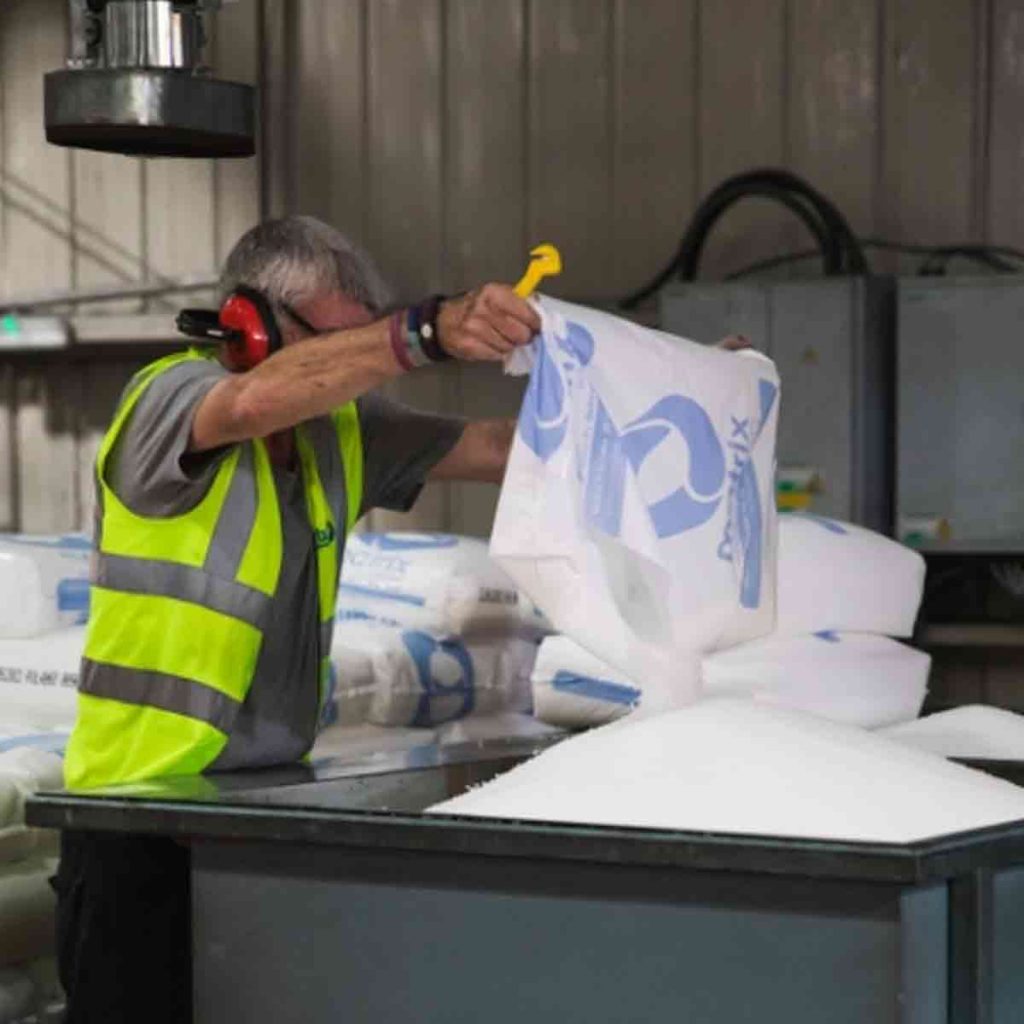
Matrix Polymers
Find out how Matrix Polymers are using InVentry for visitors and staff sign in after replacing their paper based process
Read More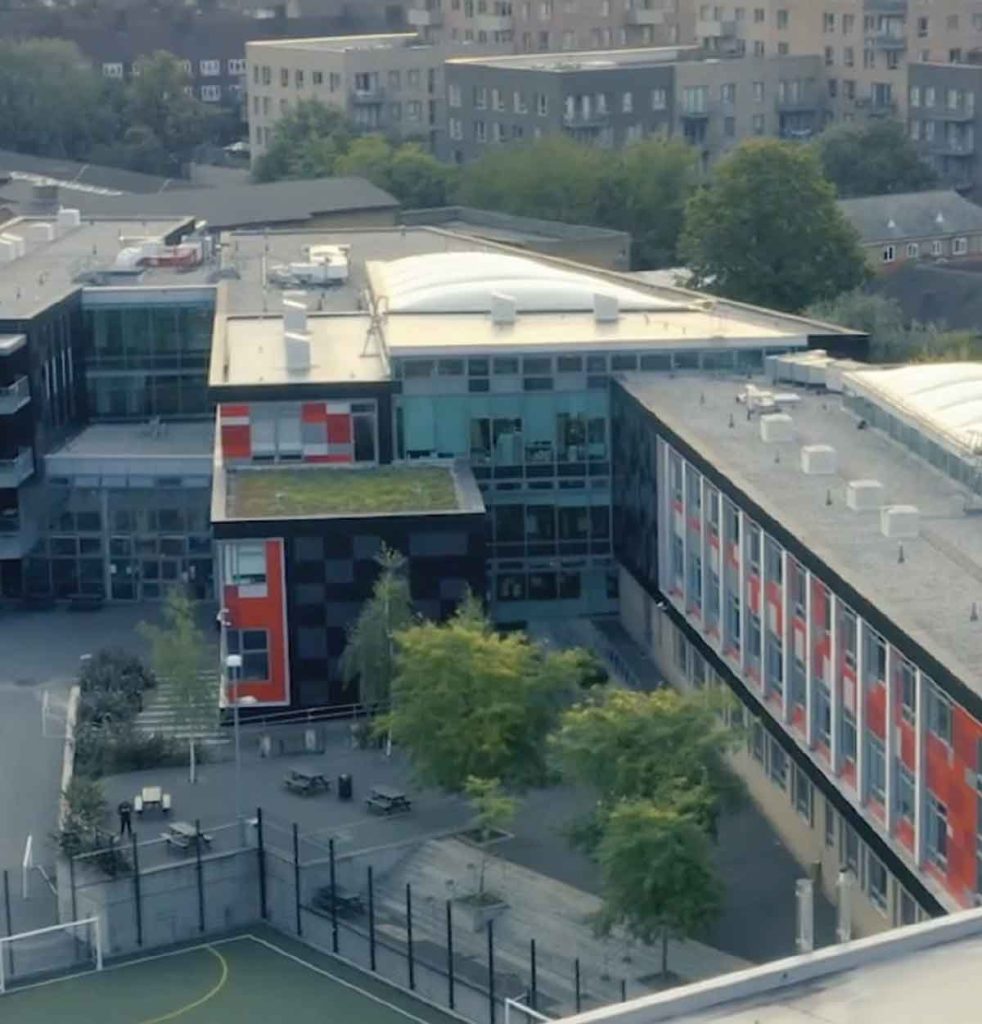
Skinners’ Academy
InVentry improves staff management and time keeping at Skinners’ Academy whilst offering an accessible signing in system
Read More
Halesbury School
InVentry provides Halesbury School with a sign in solution that seamlessly integrates with their Almas access control system
Read More
Portsmouth Football Club
Find out how Portsmouth Football Club have utilised InVentry and our custom questions module
Read More
Oakfield Community
InVentry helps Oakfield Community (Easton Maudit) with a professional and seamless sign in system
Read More
A1 Bacon Co
Read More
Woods Foodservice
Find out how Woods Foodservice utilised InVentry to obtain their Grade AA BRC accreditation
Read More
Pitmaston Primary School
InVentry Helps Pitmaston Primary School improve their record keeping whilst streamlining their evacuation process
Read More
Parkstone Grammar School
See how InVentry helps Parkstone Grammar School with streamlining their sign in process and on-site safeguarding
Read More
Ossett Academy
See how Ossett Academy have implemented InVentry across their trust after needing a stable signing in system across all 4 academies
Read More
Geotech
Find out how Geotech are using InVentry to manage their contractors and evacuations throughout their technology based organisation
Read More
Cams Lane Primary School
Find out how Cams Lane Primary School provided a consistent and accurate signing in experience for both staff and visitors.
Read More
Calderdale Council
Find out how Calderdale Council modernised their election process and remained GDPR compliant.
Read More
Trafford Centre
InVentry helps the Trafford Centre streamline their room booking software and offer a professional sign in system for over 200 partners
Read More
Bericap UK
InVentry enables Bericap UK to enhance on-site efficiency and professionalism, whilst streamlining their contractor management
Read More
Gartnavel Hospital
Find out Gartnavel Hospital have been using InVentry to manage contractors and track keys across wards and estates
Read More
Bury Grammar School
InVentry helps Bury Grammar School with a full read and write back integration with iSAMs to monitor pupils on-site
Read More
LOAI – Anderton Centre
Find out how the Anderton Centre have utilised InVentry for staff and events and safeguarding the children that come on-site
Read More
Elmsleigh Infant & Junior School
Find out how Elmsleigh Infant & Nursery School used InVentry to improve their safeguarding and fire evacuation.
Read More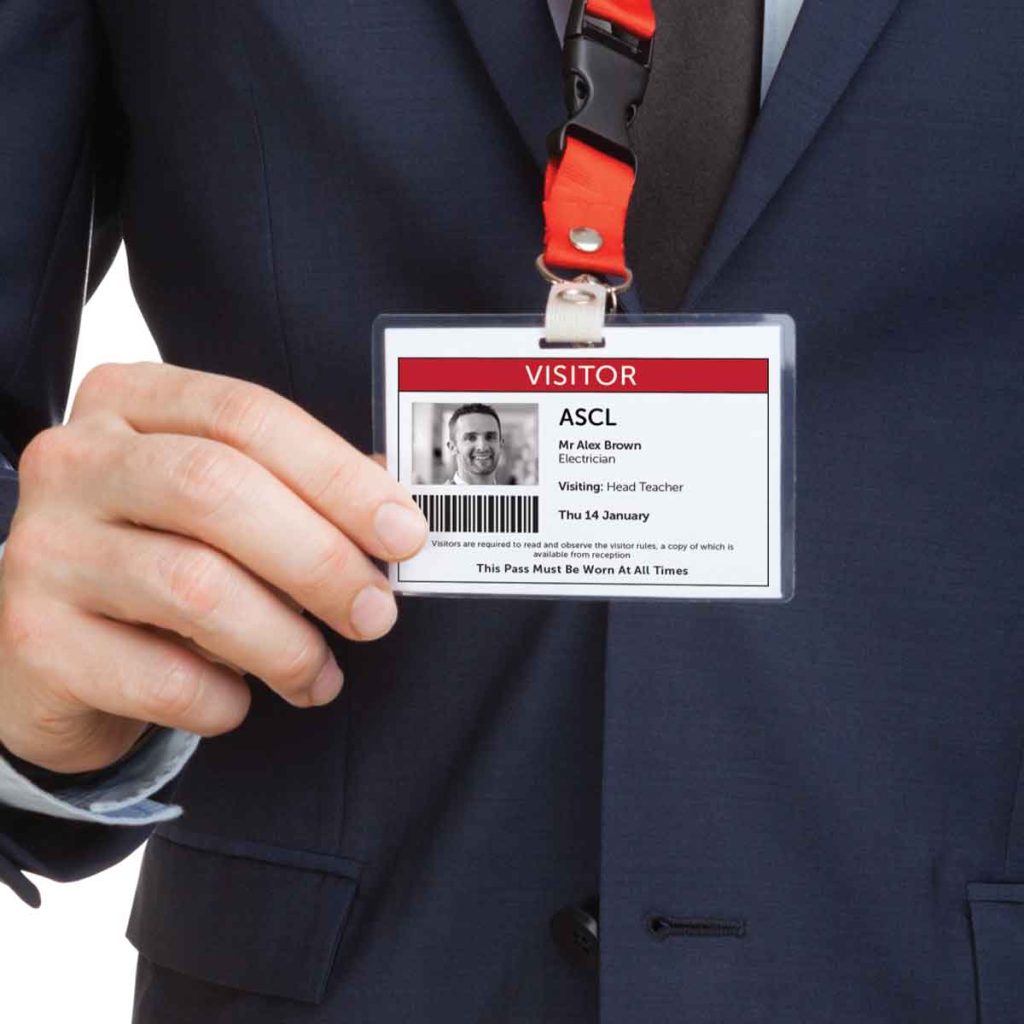
ASCL
InVentry Provides ASCL with a professional sign in system whilst streamlining their staff management and evacuation process
Read More
BASF
Find out how the BASF have used InVentry to improve their visitor management and Health and Safety policies.
Read More
Humbercare
See how we helped Humbercare streamline their staff and visitor management process whilst ensuring site security
Read More
White Woods Primary
See how InVentry assists schools across White Woods Primary Academy Trust with their sign in procedure and events management
Read More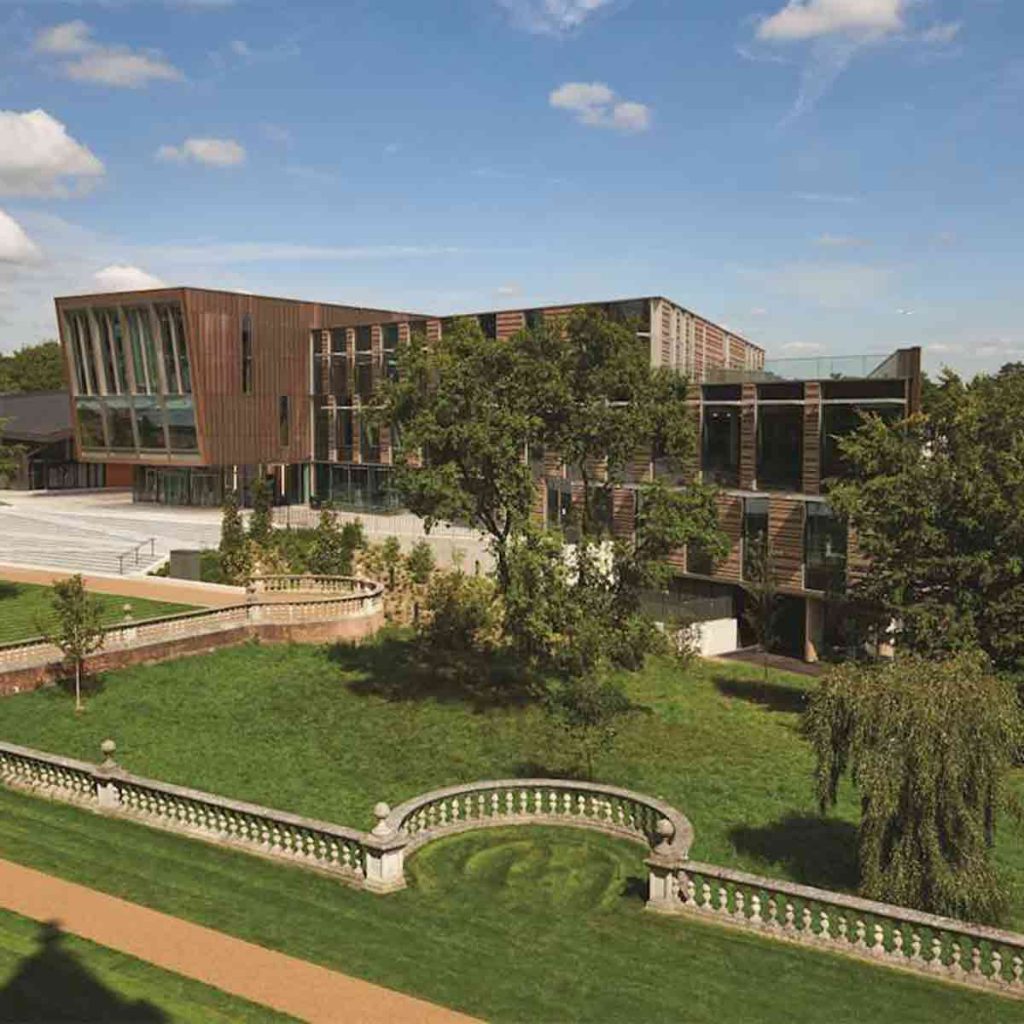
Royal Holloway University
Find out how the Royal Holloway University manage the performance of their contractors using InVentry.
Read More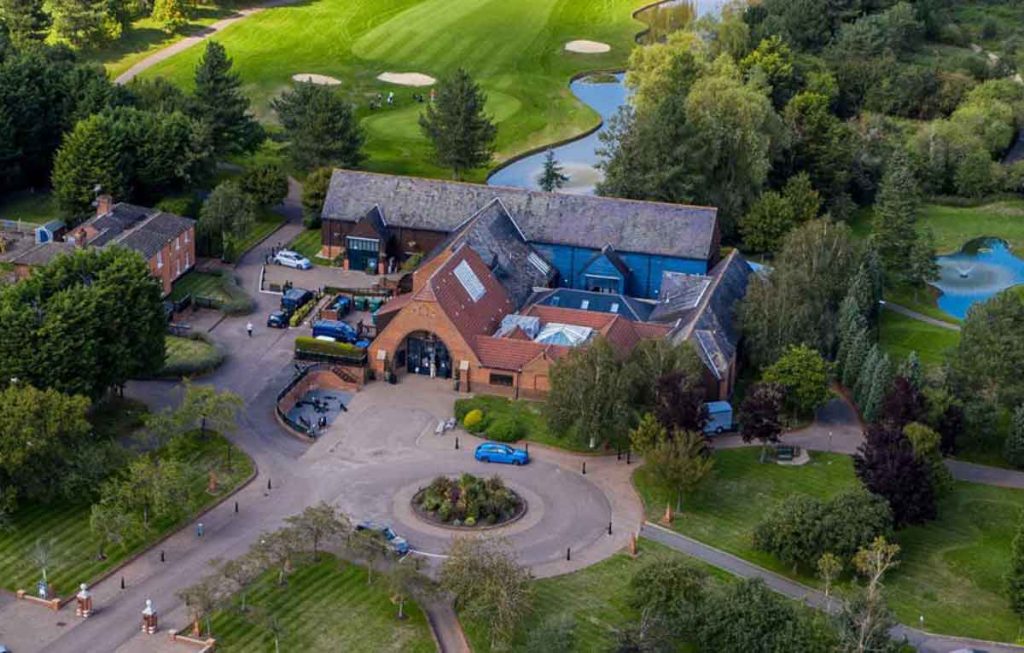
Essendon Country Club
InVentry helps Essendon Country Club to identify regular contractors for Health & Safety purposes whilst improving their fire roll calls
Read More
Thompsons Commercials
InVentry provides Thompson Commercials with a sustainable and comprehensive system to streamline their site management.
Read More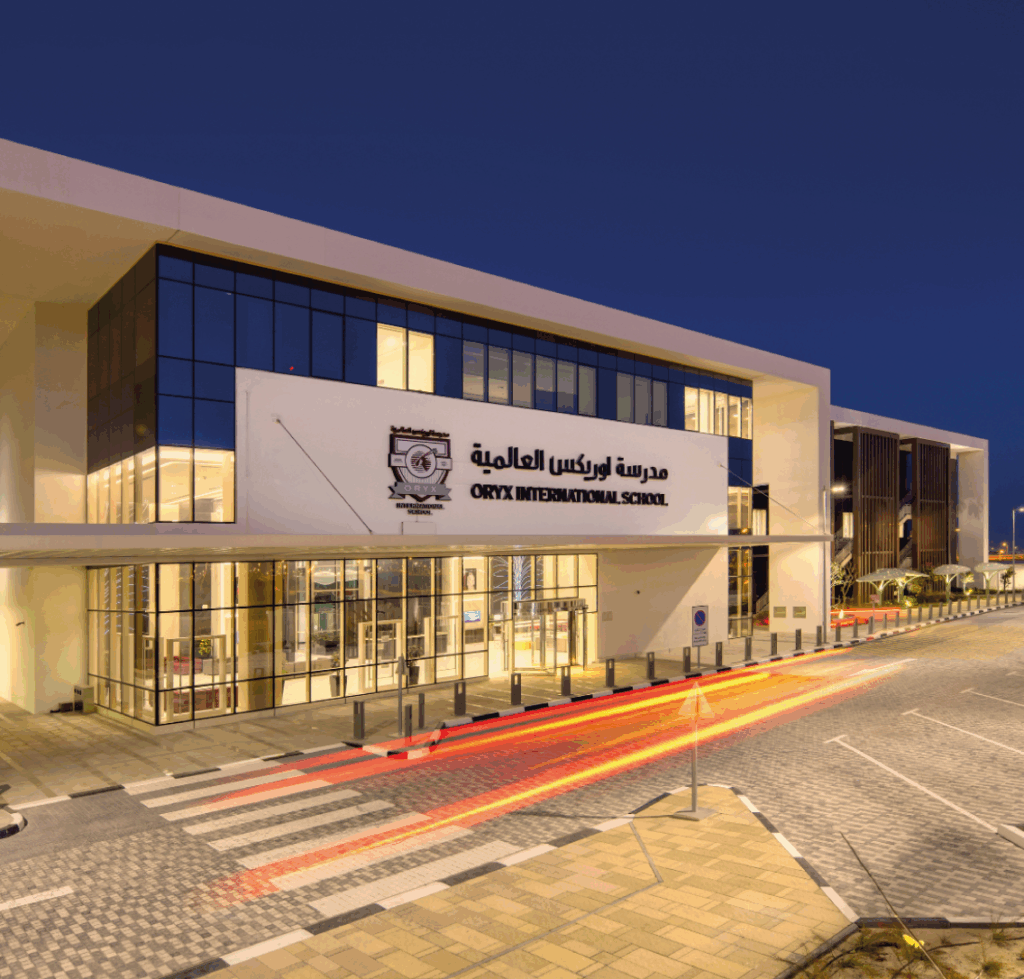
Oryx International School
Oryx International School, based in the vibrant capital of Qatar, is a premium British school exclusively for the children of Qatar Airways employees.
Read More
Discovery Bay International School
Discovery Bay International School See how Discovery Bay have improved their processes for sixth form students and pupils at different campus’
Read More
TRW Systems
Find out how TRW Systems are using InVentry as their virtual reception for visitors and staff creating the right first impression
Read More