At InVentry, we’re always looking for innovative ways to improve the event experience for organisers and attendees alike. One technology that has rapidly transformed the event check-in process is the event registration kiosk. These self-service kiosks not only streamline check-ins but also reduce queues, improve attendee satisfaction, and save organisers both time and money.
In this article, we’ll explore how event registration kiosks are revolutionising check-ins and why they should be a part of your next event.
Table of Contents
- The Rise of Event Registration Kiosks
- How Event Kiosks Work
- The Benefits of Sign In Kiosks For Events
- The Future of Event Registration Tech
- The Long-Term Impact of Event Registration Kiosks
- How to choose your Event Registration Kiosk & The Steps for installing in your event
- Conclusion
- FAQs
The Rise of Event Registration Kiosks
In recent years, the shift towards self-check-in technology has reshaped how attendees engage with events. As event organisers look for ways to improve the speed and efficiency of check-ins, event kiosks have become a vital part of modern event management. At Inventry, we’ve seen firsthand how this technology can enhance the experience for both event planners and their guests.
The global self-service kiosk market is expected to reach $361 billion by 2035, growing at a compound annual growth rate (CAGR) of 7.4%, according to MarketResearchFuture. This growth reflects the increasing demand for self-service solutions across industries, with the event sector being a key driver.
How Event Kiosks Work
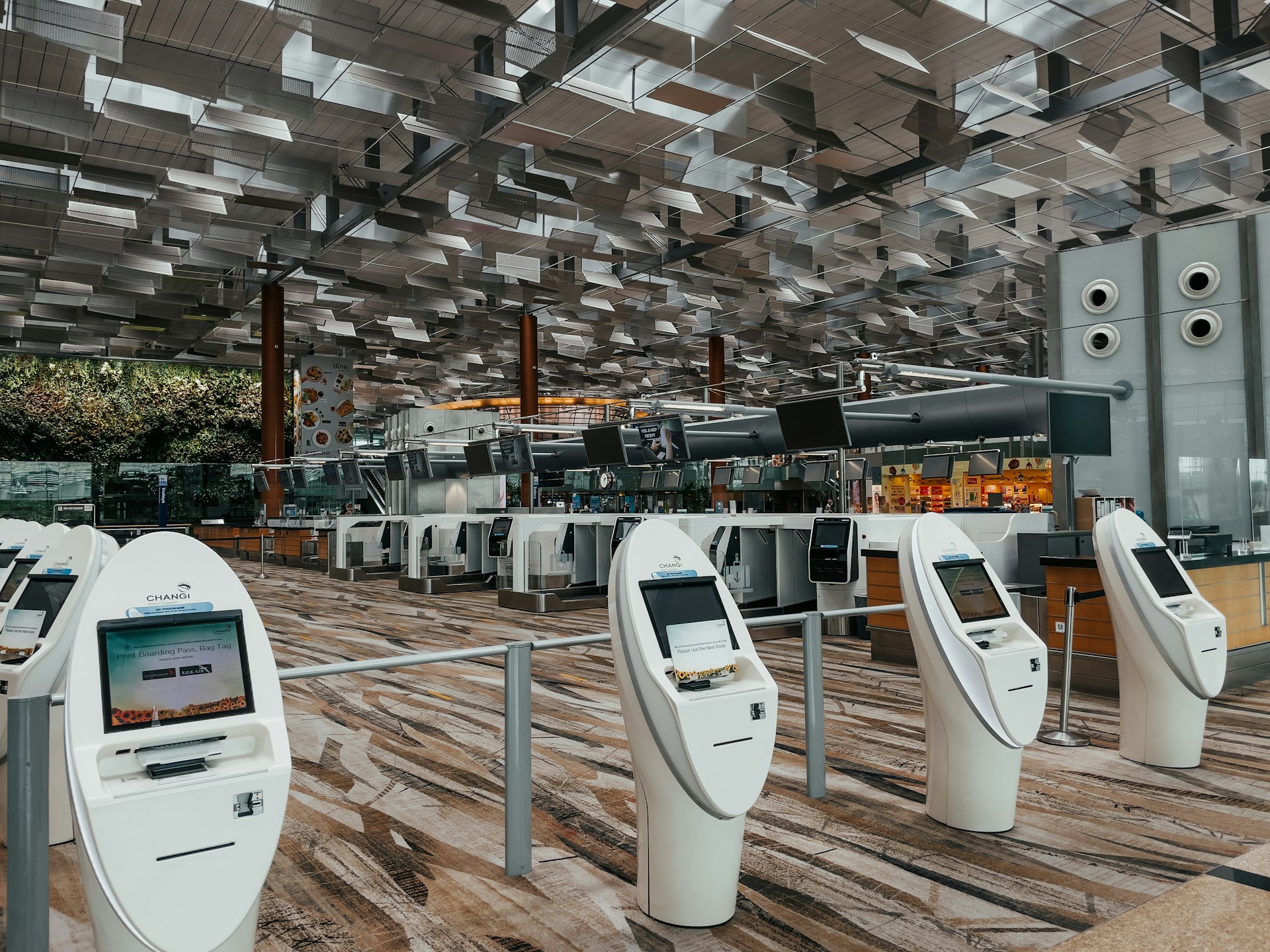
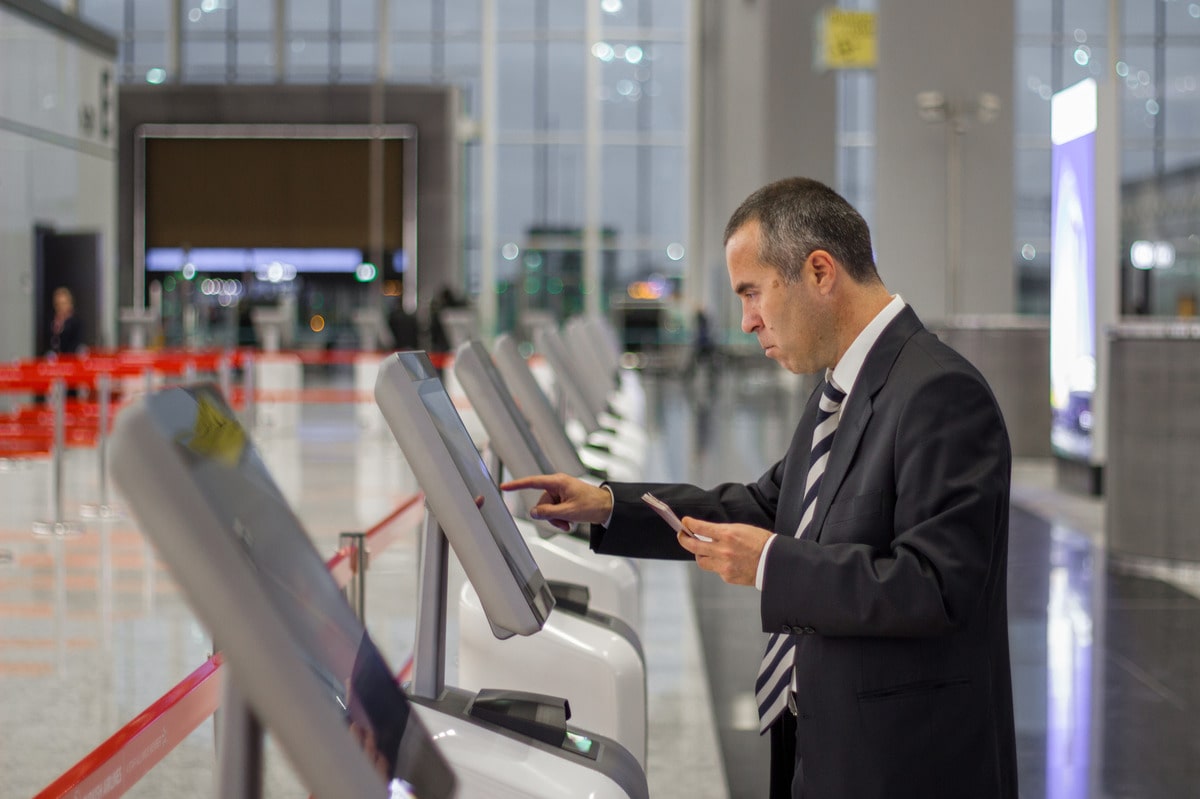
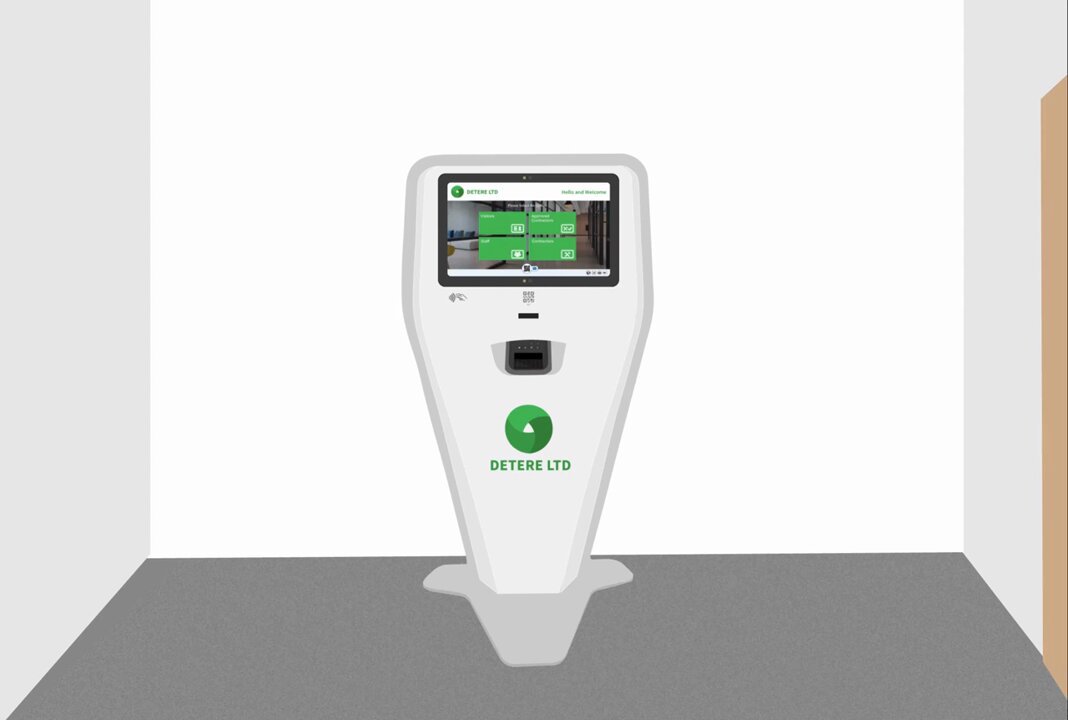
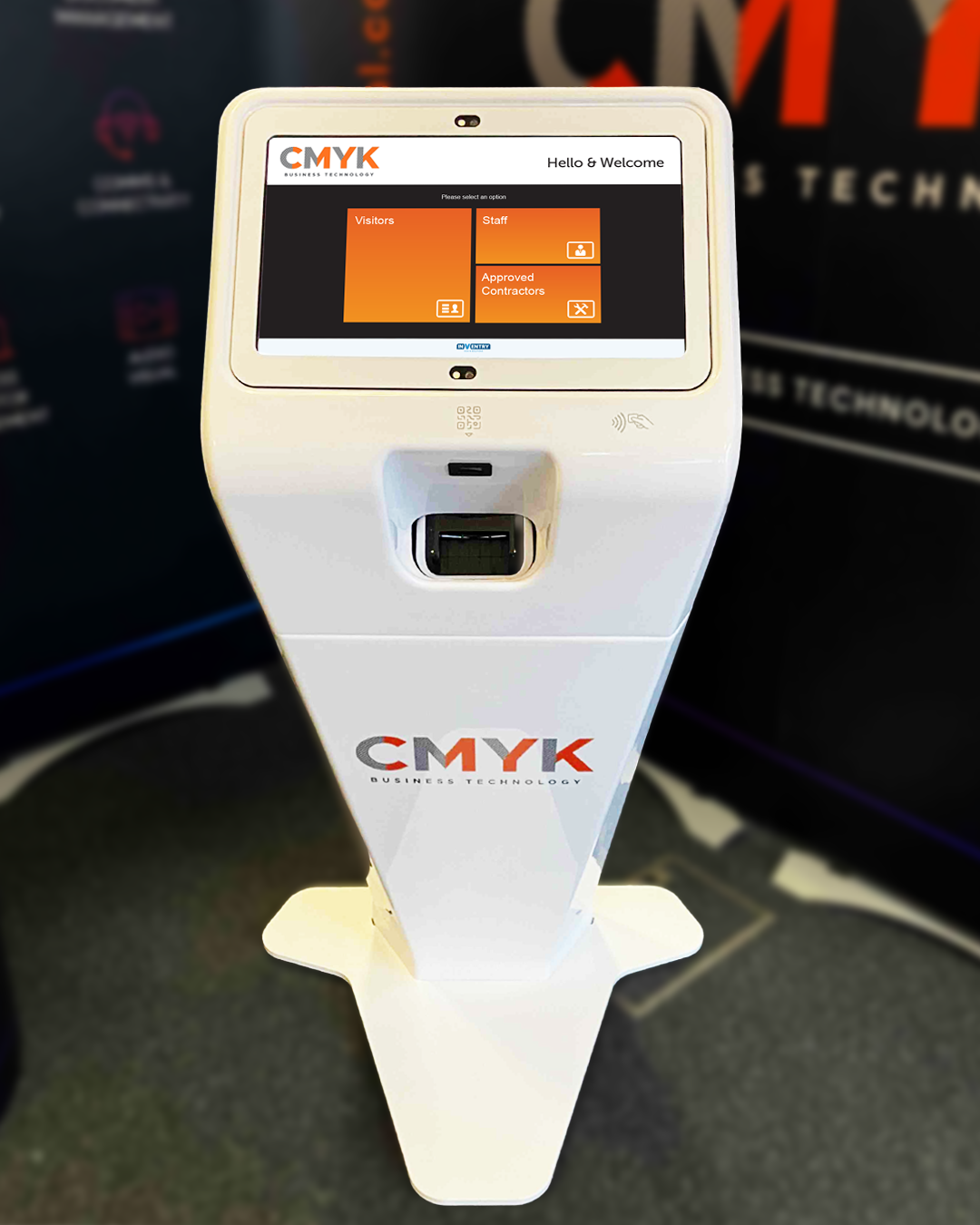
Event registration kiosks are designed to give attendees a fast and simple way to check in. Our kiosks feature touch-screen interfaces that allow attendees to check in using their registration details, whether by scanning a QR code, entering a confirmation number, or searching for their name in the system. Once checked in, attendees can print badges, access event materials, or be directed to event areas, all in a matter of seconds.
By automating the check-in process, we eliminate the need for staff to manually process each attendee. This saves time, reduces human error, and allows event organisers to manage high volumes of people more efficiently, making it an ideal solution for large-scale events, conferences, and trade shows.
For event organisers, integrating these kiosks into the wider visitor management system can also support GDPR compliance by ensuring secure handling of attendee data. If you’re interested in how kiosks can help with compliance, read more in our blog on how kiosk-based visitor management systems help with GDPR.
Streamlining Event Check-Ins: The Benefits of Event Registration Kiosks
1. Reducing Check-In Queues
As event organisers, we know that long queues at check-in can quickly create frustration among attendees. When attendees spend time waiting in line, it sets a negative tone for the rest of the event. Event kiosks help reduce these queues by allowing multiple attendees to check in simultaneously.
We’ve seen events with kiosks reduce waiting times by up to 50%. With our kiosks, attendees bypass long queues and can get straight to the activities they’re excited about, making for a much smoother event experience. By eliminating delays, we improve not only the attendee experience but also the overall flow of the event.
At Inventry, we’ve seen firsthand how streamlining the visitor check-in process with kiosks leads to better overall experiences for attendees. You can learn more about this and how it improves the visitor experience in our blog on streamlining the visitor experience with sign-on-site kiosks.
2. Enhancing Check-In Efficiency
At Inventry, we’ve designed our kiosks to handle large volumes of attendees quickly and efficiently, even during peak times. Our kiosks are fully integrated with event management software, ensuring that attendee data is updated in real time. This seamless integration allows organisers to access accurate information at any time during the event, keeping track of who has arrived, and managing attendee flows effectively.
This real-time data processing ensures that the check-in experience remains fast and error-free, which means fewer headaches for organisers and a better experience for attendees.
3. Improving the Attendee Experience
We understand that the first interaction an attendee has with your event can leave a lasting impression. That’s why we focus on making the check-in process as fast and convenient as possible. Event registration kiosks offer attendees a self-service option, so they don’t have to wait in long lines or rely on staff for help.
Research by DePaul University shows that events with streamlined check-in processes tend to receive higher satisfaction ratings from attendees – up to 70% higher, in fact. By using our kiosks, organisers can significantly boost attendee satisfaction, which often leads to better engagement throughout the event.
4. Cost and Resource Savings for Event Organisers
Event organisers often face the challenge of managing staff resources effectively, especially during peak check-in times. With our self-check-in kiosks, you can reduce the need for additional staff, freeing them up for other essential tasks, such as event coordination or attendee support.
In fact, studies by companies like ScienceDirect show that event organisers can save up to 30% in labour costs by using self-service kiosks. This reduction in manual processes helps improve event profitability while still maintaining a high level of service and efficiency for your attendees.
Additional Reading: Check out our blog post ‘Visitor Management Kiosks: Benefits for Modern Businesses’ for more benefits!
The Future of Event Registration Technology
At Inventry, we’re always looking ahead to the next wave of technological innovations that can enhance the event experience. While our event registration kiosks currently offer seamless check-in, visitor data capture, and badge printing, we’re continuously exploring ways to integrate emerging technologies into our solutions.
Looking to the future, we are excited about the potential of incorporating artificial intelligence (AI), augmented reality (AR), and virtual event platforms into our kiosk systems. For example, we are exploring the possibility of integrating AI-powered chatbots that could assist attendees with information like event schedules, speaker details, and venue maps. This would not only make check-in faster but also provide attendees with immediate answers to their questions, creating a more interactive and engaging experience.
Additionally, we are working on enhancing the integration of our kiosks with event apps, which would allow attendees to access event materials directly from the kiosk interface. This digital-first approach will ensure that the event experience is as smooth and interactive as possible, keeping event organisers and attendees ahead of the curve in an increasingly tech-savvy environment.
The Long-Term Impact of Event Registration Kiosks
We believe that event kiosks are not just a short-term trend – they’re here to stay. As event organisers increasingly recognise the efficiency and cost-saving potential of self-check-in technology, these kiosks will likely become a staple in both large and small events.
At Inventry, we’re committed to helping event organisers stay ahead of the curve. By adopting our kiosk solutions, you’re not just improving check-in efficiency – you’re also future-proofing your event operations. With continuous advancements in event technology, integrating kiosks early ensures that your event is ready for the innovations that lie ahead.
How to choose your Event Registration Kiosk & The Steps for installing in your event
Choosing the right event registration kiosk is a crucial step in ensuring the success of your event. The right kiosk can streamline check-ins, improve attendee satisfaction, and enhance the overall experience. At Inventry, we provide a range of kiosks designed to meet the needs of events of all sizes, from small conferences to large-scale exhibitions.
How to Choose Your Event Registration Kiosk
Event Size
For large events with many attendees, choose a kiosk that can handle high volumes quickly. Our kiosks are designed to speed up check-ins and manage large crowds.
Customisation
Look for a kiosk that can be branded with your event’s logo and colours. We offer kiosks that can be fully customised to match your event’s theme.
Integration
Make sure the kiosk works with your event software. Our kiosks easily integrate with registration systems and other event technologies.
User-Friendly Interface
A simple, intuitive interface is key. Our kiosks are designed to be easy for attendees to use, reducing wait times and frustration.
Security
Ensure the kiosk has secure data handling. Our kiosks use encryption to protect attendee information.
Additional Features
Consider features like badge printing, QR code scanning, or ticket validation. Our kiosks offer these and more, depending on your needs.
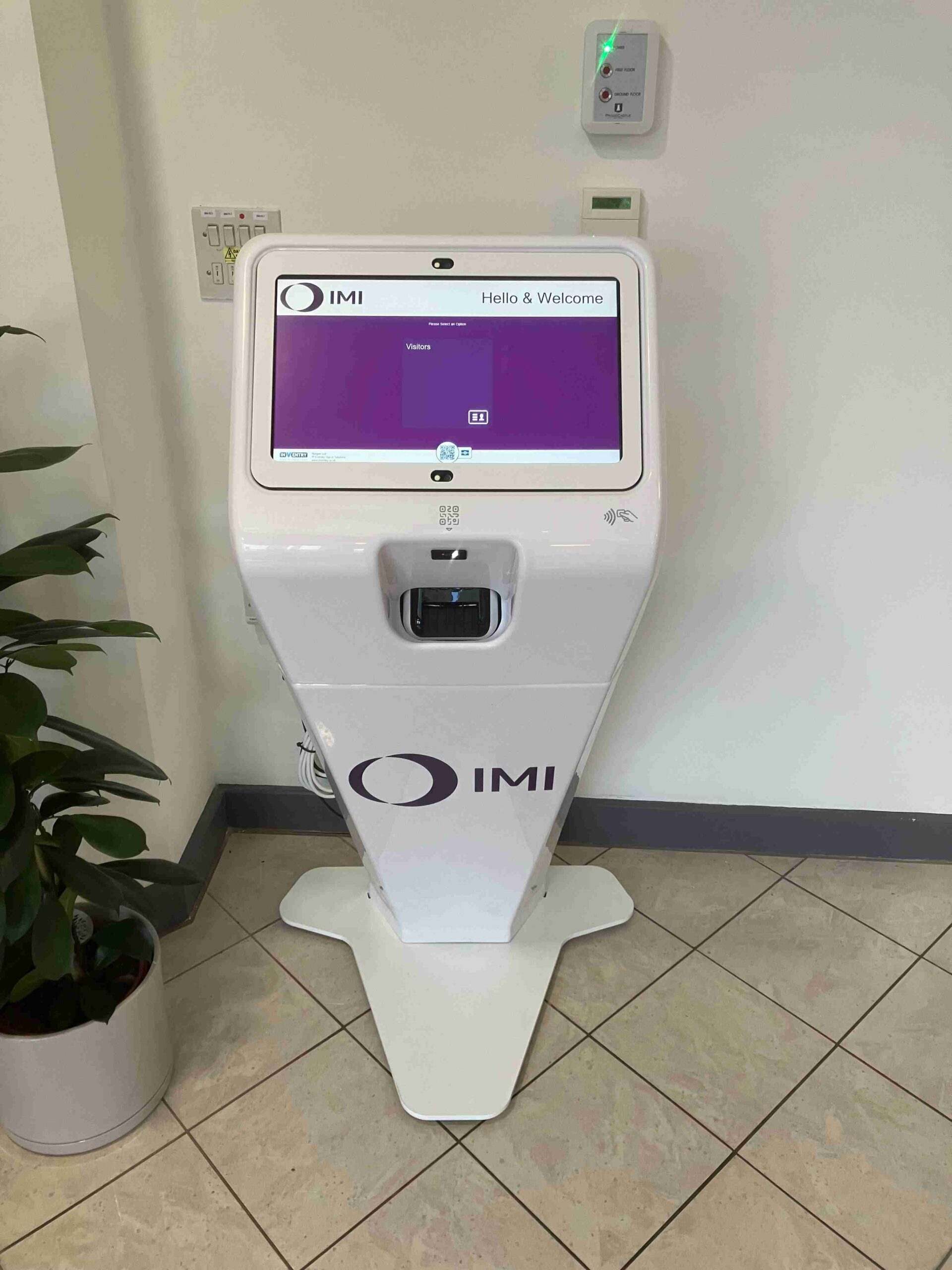
Steps for Installing Your Event Registration Kiosk
1. Pre-Installation Setup
Before your event begins, there are a few essential tasks to ensure the kiosk installation runs smoothly.
- Internet Connection: A stable internet connection is crucial for real-time data syncing and seamless operation of the kiosks. Make sure your venue has sufficient Wi-Fi or wired connections to support multiple kiosks at once.
- Space Requirements: Choose a location within the event venue where the kiosks will be easily accessible for attendees. Ideally, place them near the entrance or check-in areas to avoid congestion. Ensure there’s enough space for attendees to approach the kiosks comfortably without crowding.
- Power Supply: Ensure there are sufficient power outlets near the kiosks to keep them running throughout the event. We recommend checking that power cables can reach each kiosk location, and consider using extension cords if needed.
2. Hardware Setup
Setting up our kiosks is straightforward and designed for minimal assembly.
- Unboxing & Assembly: Our kiosks come pre-configured, so all you need to do is unbox and assemble them. Typically, this involves placing the kiosks on their stands, connecting the necessary cables, and attaching the touch screen.
- Physical Placement: Our team will assist in setting up each kiosk in its designated location, ensuring they are secure and stable. The kiosks are designed for portability and can easily be moved into position to optimise the flow of attendees.
- Pre-Event Setup Time: The setup process is quick and efficient, typically taking no more than 20-30 minutes per kiosk. We can assist with the placement of kiosks and get them ready for use without disrupting other event activities.
3. Connect to Event Software
Once the hardware is set up, the next step is to connect the kiosks to your event management system.
- System Integration: Our kiosks integrate seamlessly with most event management platforms. This connection ensures that all attendee data is synced in real time, so you can monitor attendance, update guest lists, and manage event check-ins without any manual effort.
- Real-Time Updates: As attendees check in, the data is instantly uploaded to your event software, keeping you informed of who’s arrived and which areas have been accessed. This is particularly useful for larger events where tracking attendee numbers is important.
- Customisation of Forms: If needed, we can also help set up custom check-in forms or fields for collecting specific information, such as dietary preferences, special requests, or event-specific questions.
4. Customisation
To ensure the kiosks match the look and feel of your event, we offer various customisation options.
- Branding: Our kiosks can be fully personalised with your event’s branding. This includes uploading your event’s logo, adjusting colour schemes, and designing custom welcome screens. The kiosk’s interface will reflect your event’s theme and identity.
- User Interface Adjustments: You can choose the style and tone of the welcome messages and instructions on the kiosk screens. For example, you can add a message to greet attendees or include instructions on how to complete the check-in process.
- Functionality Settings: Based on your event needs, we can adjust the functionality of the kiosks. Whether it’s enabling QR code scanning, printing badges, or providing a quick search for names, we’ll tailor the kiosk to match the specific requirements of your event.
5. Testing
Once everything is set up, testing is a critical step to ensure the kiosks perform flawlessly.
- Check Functionality: We will test each kiosk thoroughly to confirm that all features are working as expected. This includes testing the check-in process, badge printing (if applicable), and data syncing with your event management software.
- Troubleshooting: Our team will identify and fix any technical issues before the event begins. This includes ensuring that the internet connection is stable, that the kiosks are responsive, and that the data collection is functioning properly.
- Test Runs: We recommend running a few test check-ins with real or dummy data to ensure the kiosks are operating smoothly and that the check-in process flows without hiccups.
6. On-Site Support
During the event, we’ll be there to provide support if needed.
- Event Day Support: Our team will be on hand to assist with any technical issues or adjustments that might arise. If there’s a surge in attendee check-ins or a technical glitch, we’ll quickly address the situation to keep everything running smoothly.
- Real-Time Monitoring: We can also monitor the kiosks remotely (if required) to ensure they continue to function properly throughout the event. This allows us to address any issues quickly without requiring on-site intervention.
- Staff Assistance: If your event staff needs help guiding attendees or explaining the kiosk check-in process, our team can provide on-the-spot training or support to ensure everything runs seamlessly.
7. Post-Event Data
Once the event concludes, the kiosks provide valuable data that can help you assess the event’s success and improve future ones.
- Data Reporting: After the event, all attendee data collected through the kiosks is available for reporting and analysis. This can include attendance rates, the time of check-ins, and specific data points (e.g., preferences or feedback).
- Event Insights: The data can be used to gain insights into attendee behaviour, such as the busiest times during check-in, popular areas of interest, and more. This information can help organisers make informed decisions about future events and improve overall efficiency.
- Export Data: You can easily export the data in various formats, such as CSV or Excel, for further analysis or to integrate with other systems. This ensures you have all the information you need at your fingertips.
Conclusion
Event registration kiosks have fundamentally transformed the way events handle attendee check-ins. From reducing check-in queues to improving the overall event experience, these kiosks offer numerous advantages for both organisers and attendees. As event tech continues to evolve, the role of kiosks will only become more integral in creating seamless, efficient, and engaging events.
If you’re ready to take your event to the next level, explore our Visitor Sign-In Kiosk Solutions and see how we can help streamline your event check-ins. Alternatively, Book a Demo to see our kiosk solutions in action!
FAQs
How do event kiosks improve the attendee experience?
By enabling attendees to check in without waiting in long lines, event kiosks provide a faster, more convenient process. This gives attendees more time to enjoy the event and ensures that their first impression is a positive one, leading to higher satisfaction levels.
Can event registration kiosks be integrated with other event technologies?
Yes! Our kiosks are designed to integrate seamlessly with other event technologies such as event apps, attendee tracking systems, and AI-powered chatbots. This creates a cohesive, digital-first experience for your attendees and enhances the overall event process.
Are event kiosks secure?
We take data security seriously. Our kiosks use encrypted data transfer and secure authentication methods to protect attendee information. This ensures that your attendees’ data is always safe while maintaining an efficient check-in process.